An AI actor talking about "this serum" over generic bathroom b-roll barely counts as a product ad. Viewers can't see what you sell, and anything the footage suggests about the product may simply be wrong. The tools worth paying for put your actual product, from your own site, photos or app, into the shot.
This guide sorts tools by how they get your real product into an ad, based on vendors' pricing pages, docs and help centers read on 12 November 2026 (Mantinea: 24 November 2026). Check features and prices before you buy.
Three ways a tool can show your product
- From your website. The tool reads your product pages and pulls the real images into a brief or a scene.
- From your references. You upload product photos or clips, and a reference-to-video model builds the ad around them.
- From your app. For software, the tool signs in and records real screens and flows instead of mocking them up.
Generic b-roll is what you get when a tool has none of these: stock or generated footage that looks like your category but isn't your product. It's cheap to make and easy to spot.
Best overall
Best overall
1. Mantinea
Reads your site, records your app and builds ads around your own product shots
Specifications
- Site read
- Up to 40 pages, with close-up product shots
- App footage
- Records real flows with a demo login
- References
- Up to 30 images, 10 videos, 10 audio (Seedance 2.5)
- Presets
- Product in hand, Show your app, Unboxing POV, Fashion try-on
- Seats
- Unlimited
Reasons to buy
- +All three routes to your real product in one workspace
- +Records your actual app instead of mock screens
- +Every preset priced before it runs
Reasons to avoid
- −No manual frame-by-frame timeline editor
- −A newer brand than most tools here
Buy it if You sell a physical product and want it in every shot
Buy it if You sell software and want real screens, not mockups
Don't buy it if You only need a talking head with no product on screen
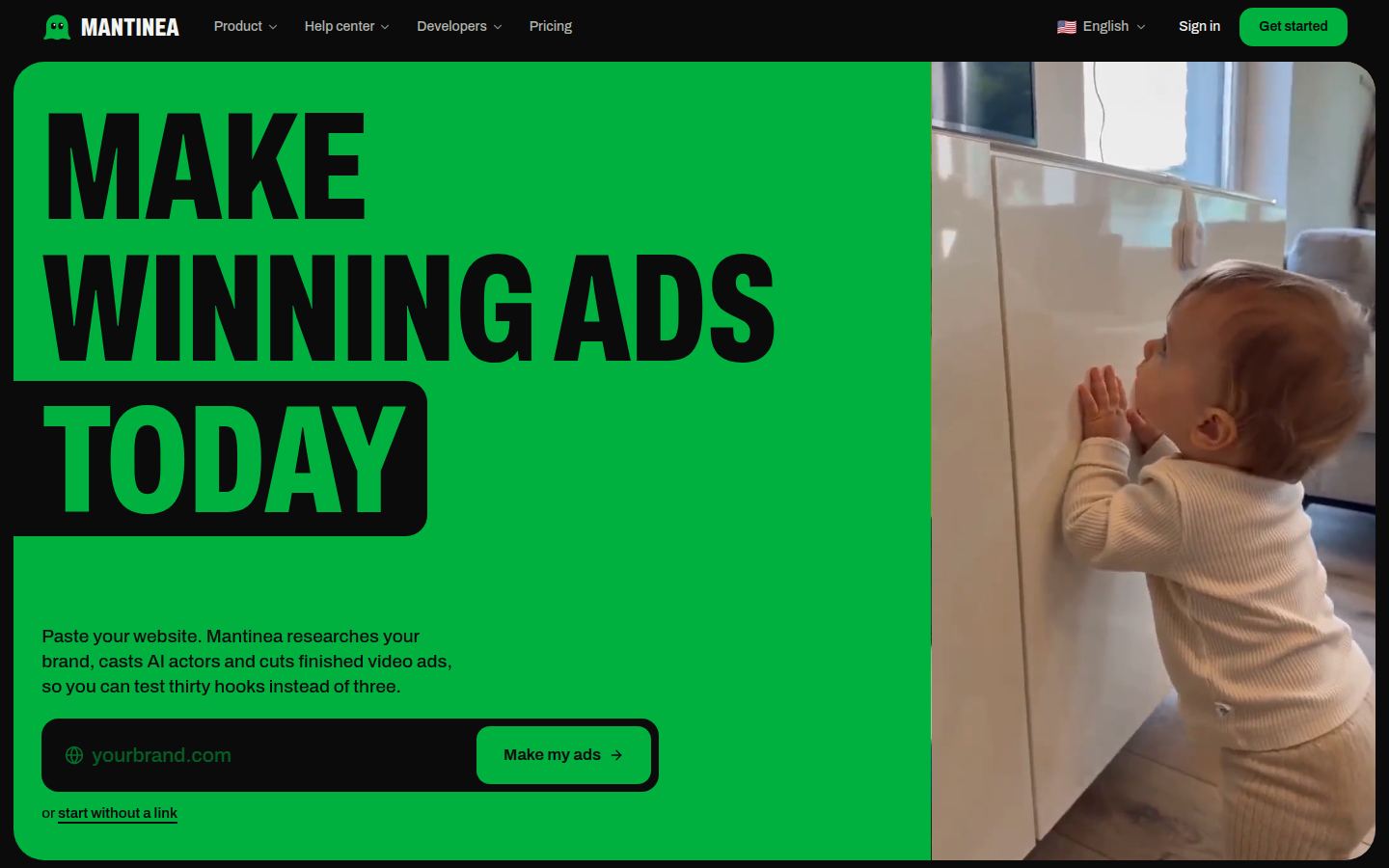
Mantinea's pitch on its homepage is "UGC ads that show your real product," and the features line up with it. Brand Brain crawls up to 40 pages of your site into a feature catalog with close-up product shots, and the site crawl costs 80 credits (100 with app exploration). For apps, it signs in with a demo login (stored encrypted and write-only) and records real product flows as clips and screenshots.
From there you have three routes into an ad:
| Route | What it does | Approximate cost |
|---|---|---|
| Product in hand preset | An actor holding your product | 166 credits ($1.66) per run |
| Show your app preset | Your real app screens in the ad | 147 credits ($1.47) |
| Unboxing POV preset | A first-person unboxing of your product | 227 credits ($2.27) |
| Fashion try-on preset | Your garment on an actor | About 40 credits ($0.40) |
| Reference-to-video (Seedance 2.5) | Your photos, clips and audio as references, 4 to 30 s | 14 credits per second |
Seedance 2.0 takes up to 9 images, 3 videos and 3 audio references, and Seedance 2.5 up to 30 images, 10 videos and 10 audio references, so you can give the model several angles of the product. Nano Banana Pro product images are 19 credits each if you need statics to match.
The actors are a separate choice: a synthetic library, Pro actors (licensed real-actor footage, priced at the standard 15 credits/s talking rate) or your own actor built from a photo with consent. Library actors are fictional, so if the ad is styled as a testimonial, label it honestly. A free text overlay can add an "AI-generated" line.
Best for unboxing and app formats at a higher price
Best for unboxing and app formats at a higher price
2. Arcads
Unboxing POV and Show your app formats on a $110 entry plan
Specifications
- Unboxing POV
- 400 credits
- Show your app
- 200 credits
- Brand research
- Mark's Brain
- App recording
- Partial
- Trial
- 72 hours, card required
Reasons to buy
- +Dedicated product formats
- +Reference-to-video supported
Reasons to avoid
- −Entry plan is $110 a month
- −Seats, rollover and API only from Pro ($550)
Buy it if You already budget for Arcads' Pro tier
Don't buy it if You want to test product formats cheaply
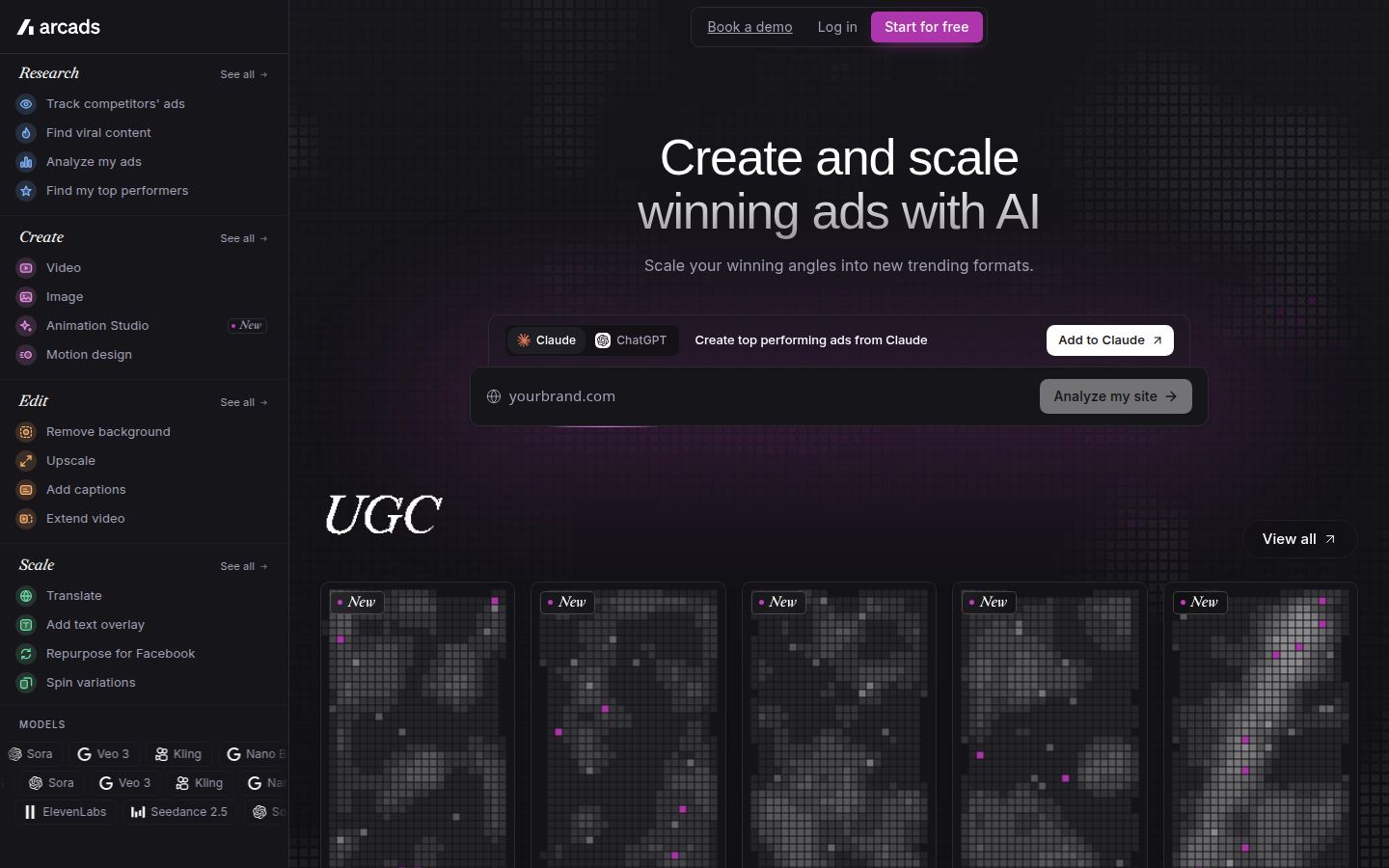
Arcads has product formats of its own: unboxing POV at 400 credits ($5.50 on Starter) and "Show your app" at 200 ($2.75). We rate its app recording as partial: it has the format, but we didn't find a demo-login recording of your real app on the pages we read.
Best product-in-hand templates
Best product-in-hand templates
3. MakeUGC
Product-in-hand scenes priced per scene
Specifications
- Product in hand (Veo)
- 100 to 200 credits per scene
- App flow
- Template
- Brand research
- Brand kit
- Export on Starter
- 480p or 720p
Reasons to buy
- +Dedicated product-in-hand route
- +App flow template for software
Reasons to avoid
- −Starter exports top out at 720p
- −Credits don't roll over
Buy it if You want product-holding shots and work at higher tiers
Don't buy it if You need 1080p or 4K on the entry plan
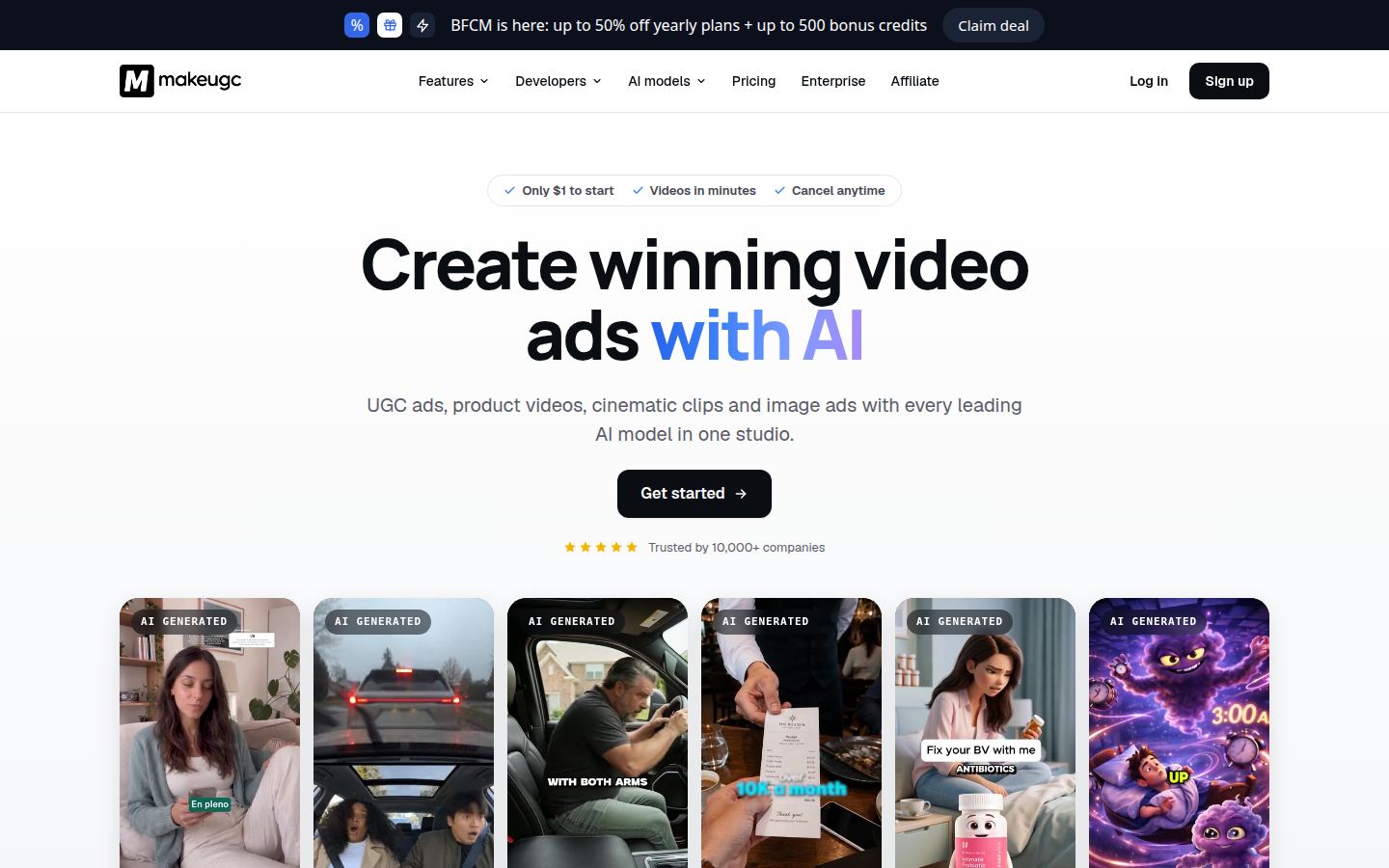
MakeUGC has a Product-in-Hand route at 100 to 200 credits per scene and an app flow template. Brand research is a brand kit rather than a site crawl.
Best URL-to-video for simple stores
Best URL-to-video for simple stores
4. Tagshop AI
Pulls images and descriptions from a product URL

Specifications
- URL to video
- Pulls images and descriptions
- Product holding or wearing
- Yes
- Asset generator
- Product images and b-roll
- App recording
- No
Reasons to buy
- +Simple product-link flow
- +Holding and wearing formats
Reasons to avoid
- −No app recording
- −Cheaper plans keep data for a shorter time
Buy it if You run a small store and want quick product clips
Don't buy it if You sell software
Tagshop's URL to video pulls your product images and descriptions, and it offers product holding and wearing videos. Note that its asset generator also makes b-roll, so check each scene shows your real product rather than a generated stand-in.
Creatify also turns a URL into a video, but it doesn't record your app.
Side by side
| Tool | Reads your site | Uses your photos and clips | Records your real app | Product presets |
|---|---|---|---|---|
| Mantinea | Up to 40 pages | Yes | Yes, with a demo login | In hand, unboxing, app, try-on |
| Arcads | Mark's Brain | Yes | Partial | Unboxing, app |
| MakeUGC | Brand kit | Yes | Partial (template) | In hand, app flow |
| Tagshop | URL to video | Yes | No | Holding, wearing |
| Creatify | URL to video | Yes | No | Not listed |
A shot list for a real-product ad
Before you generate anything, gather:
- Three to five product photos: front, side, in use, packaging, and a close-up of the label or key detail.
- One short clip of the product moving, if you have one: pouring, opening, scrolling.
- For apps, a demo login with realistic data, so recorded screens look like a real account.
- One line per shot in the script that names what's on screen: "This is the 30-second setup" over the actual setup screen.
Then pick the route: Product in hand for anything held, Unboxing POV for gifting and launches, Show your app for software, and reference-to-video for anything else. For software in particular, see why real app footage matters.
How we compare these tools
We read each vendor's pricing page, docs and help center and date every price. We didn't run these tools for this article. "Partial" means the feature exists with a real limit on the pages we read, and "Not listed" means we didn't find it.