AI makes ads fast, so mistakes ship fast too. An agency producing forty variants a week can't have a client discover a wrong claim after the ad is live. A real approval workflow means someone with authority signs off on a specific version before it goes anywhere, and the tool records who did it.
Many AI ad tools don't have one. Some have comments but no sign-off, and some put approvals on the top tier only. This is what we found on vendors' pricing pages, help centers and feature pages, read on 12 November 2026 (Mantinea: 24 November 2026). Plans change, so check before you buy.
What counts as an approval workflow
We looked for four things:
- Comments tied to the work, ideally at a timecode on a video or a pin on an image.
- A formal approve or request-changes step on top of the thread.
- A gate: the ad can't be published or exported as final until it's approved.
- Who can review, and whether each reviewer costs a seat.
Comments alone don't count, because a thread saying "looks good" isn't a record of approval.
Best overall
Best overall
1. Mantinea
Timecode comments and approvals on every plan, with unlimited seats for reviewers
Specifications
- Comments
- At an exact timecode, or a pin on an image
- Approvals
- Request and give approval, every plan
- Seats
- Unlimited
- Publishing
- Paused, after approval
- API
- Reviews and approvals available
Reasons to buy
- +No plan gate on approvals
- +Clients and reviewers don't cost a seat
- +Share links with password, expiry, download off and named recipients
Reasons to avoid
- −No manual frame-by-frame timeline editor
- −A newer brand than most tools here
Buy it if You're an agency with client sign-off
Buy it if You're a brand with legal or compliance review
Don't buy it if You're a solo creator who never needs sign-off
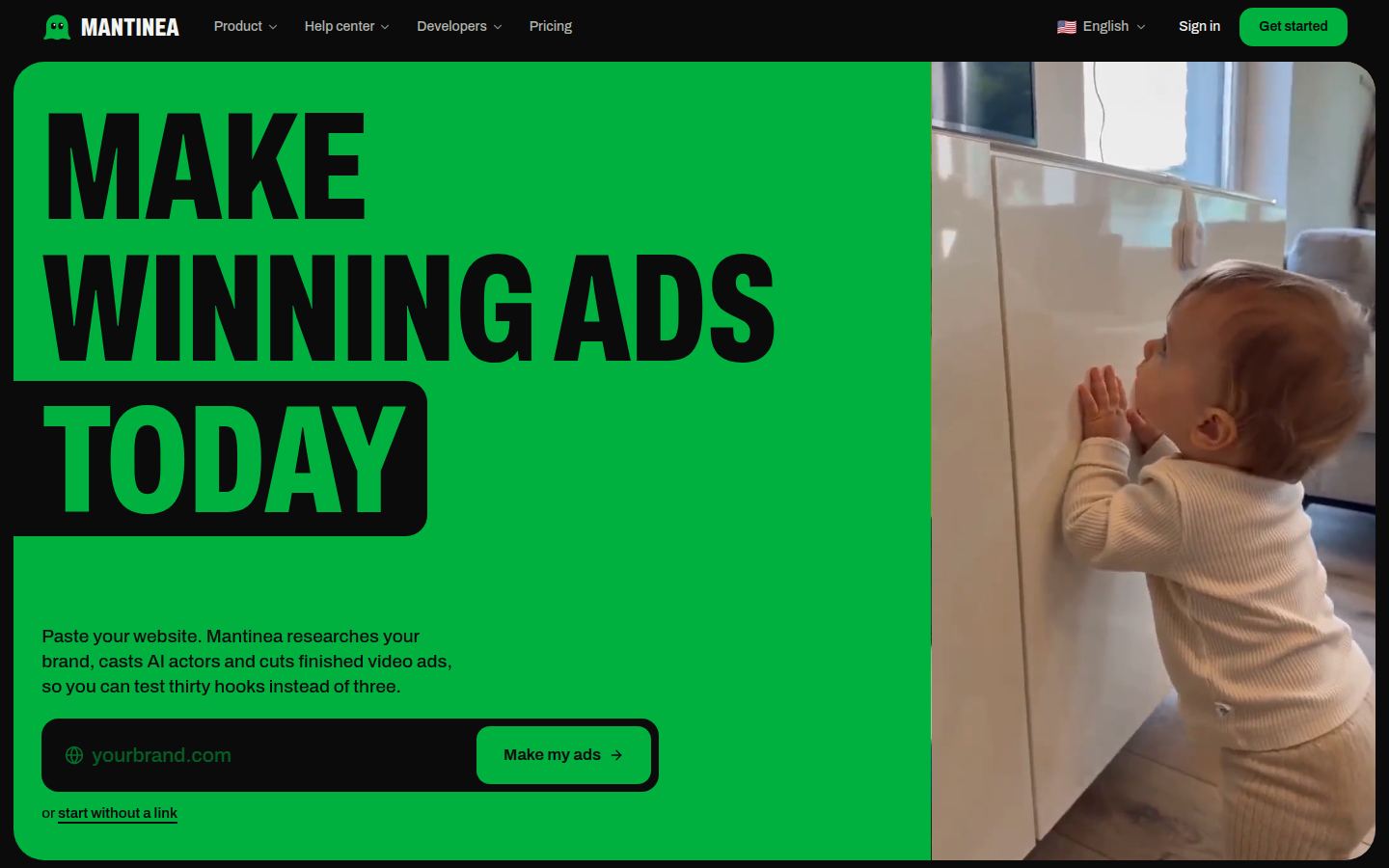
Mantinea's Reviews let anyone on the team comment at an exact timecode in a video or drop a pin on an image, mention a colleague, and request or give approval. Approvals are on every plan, from the $29 Starter, and every plan has unlimited seats, so adding a client's marketing lead and their legal reviewer costs nothing.
Three details matter for agencies:
- The gate. Where ad accounts are connected, the next ad is published paused, and only after an admin approves it.
- External review. Share links can have a password, an expiry date, downloads switched off and named recipients, and you can revoke them. Viewer analytics show how each link was viewed.
- Automation. Reviews and approvals are on the public API, so a workflow can request sign-off automatically when a batch finishes.
There's also an AI pre-check. Ad Review gives an AI review of an ad's hook, pacing and claims as a priced step in chat and workflows, which is useful before a human reviewer sees it. It doesn't replace that reviewer.
When feedback comes back, Edit video rewrites a line and re-renders only the changed sections (2 credits plus the talking-actor seconds of each replaced section), so a requested change doesn't mean paying for a full new ad.
Best for corporate presenter videos
Best for corporate presenter videos
2. Synthesia
"Require approval before videos go live", with comments on all tiers
Specifications
- Approvals
- "Require approval before videos go live"
- Comments
- All tiers
- Live collaboration
- Enterprise
- Guests
- 3 (Starter), 5 (Pro)
- Extra seat
- $29/month
Reasons to buy
- +A real approval gate
- +Commenting on every tier
Reasons to avoid
- −Extra seats cost $29 a month
- −Live collaboration only on Enterprise
Buy it if You make training and internal videos with a review step
Don't buy it if You need many client reviewers without paying per seat
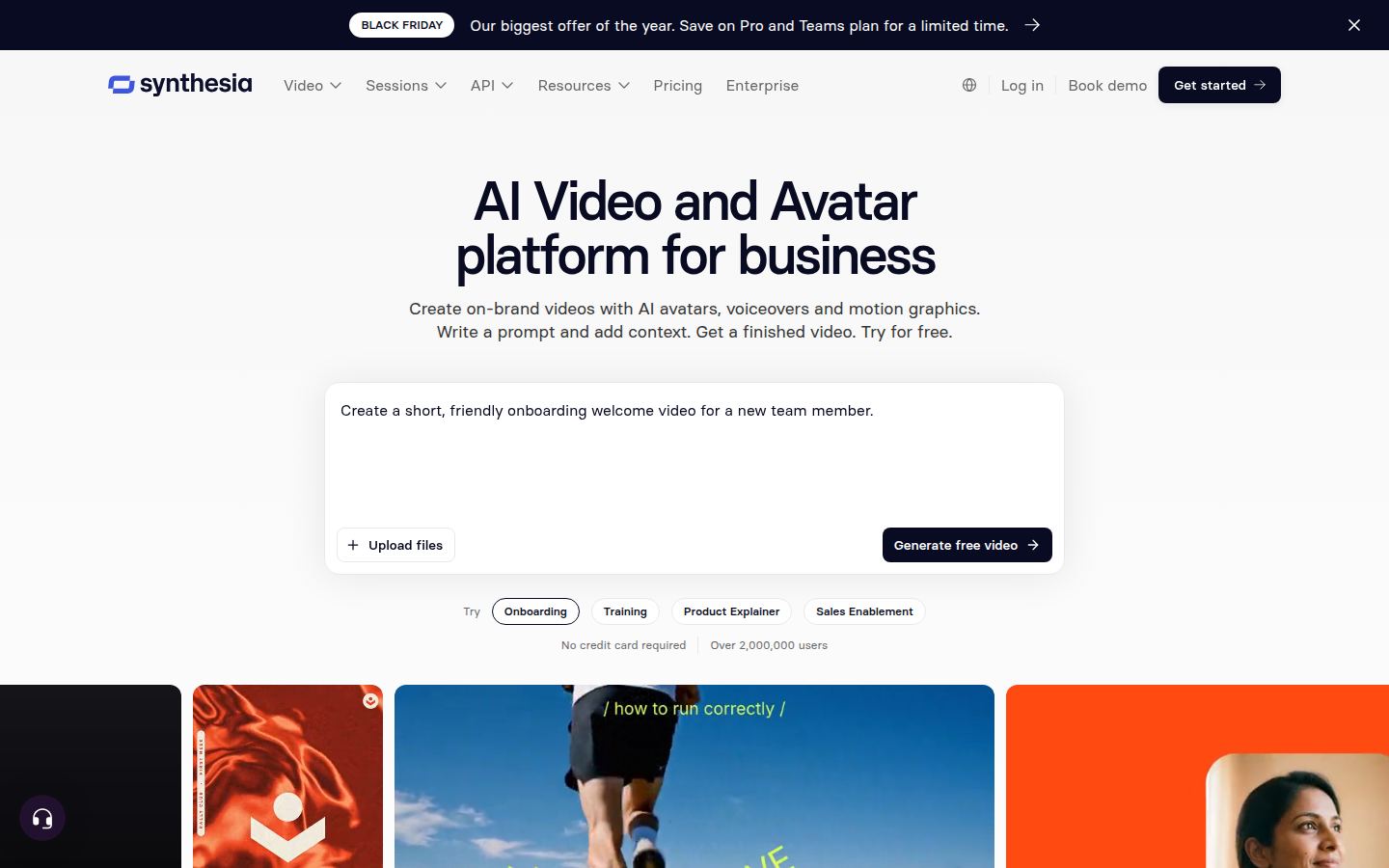
Synthesia has the clearest gate among the avatar tools: an option to "require approval before videos go live," plus roles, and comments on all tiers. Guest reviewers are capped at 3 on Starter and 5 on Pro, and an extra seat is $29 a month ($25 yearly).
Best for teams on a business plan
Best for teams on a business plan
3. HeyGen
Comments, task assignment and roles, with full team features on Business
Specifications
- Comments
- Yes
- Tasks
- Tag and assign
- Roles and access controls
- Yes
- Full team features
- Business ($149 + $20/seat)
- Approvals
- Partial
Reasons to buy
- +Assign tasks on a video
- +Role and content access controls
Reasons to avoid
- −Full team features need Business
- −Each extra seat is $20 a month
Buy it if You're already on HeyGen Business
Don't buy it if You want sign-off on an entry plan
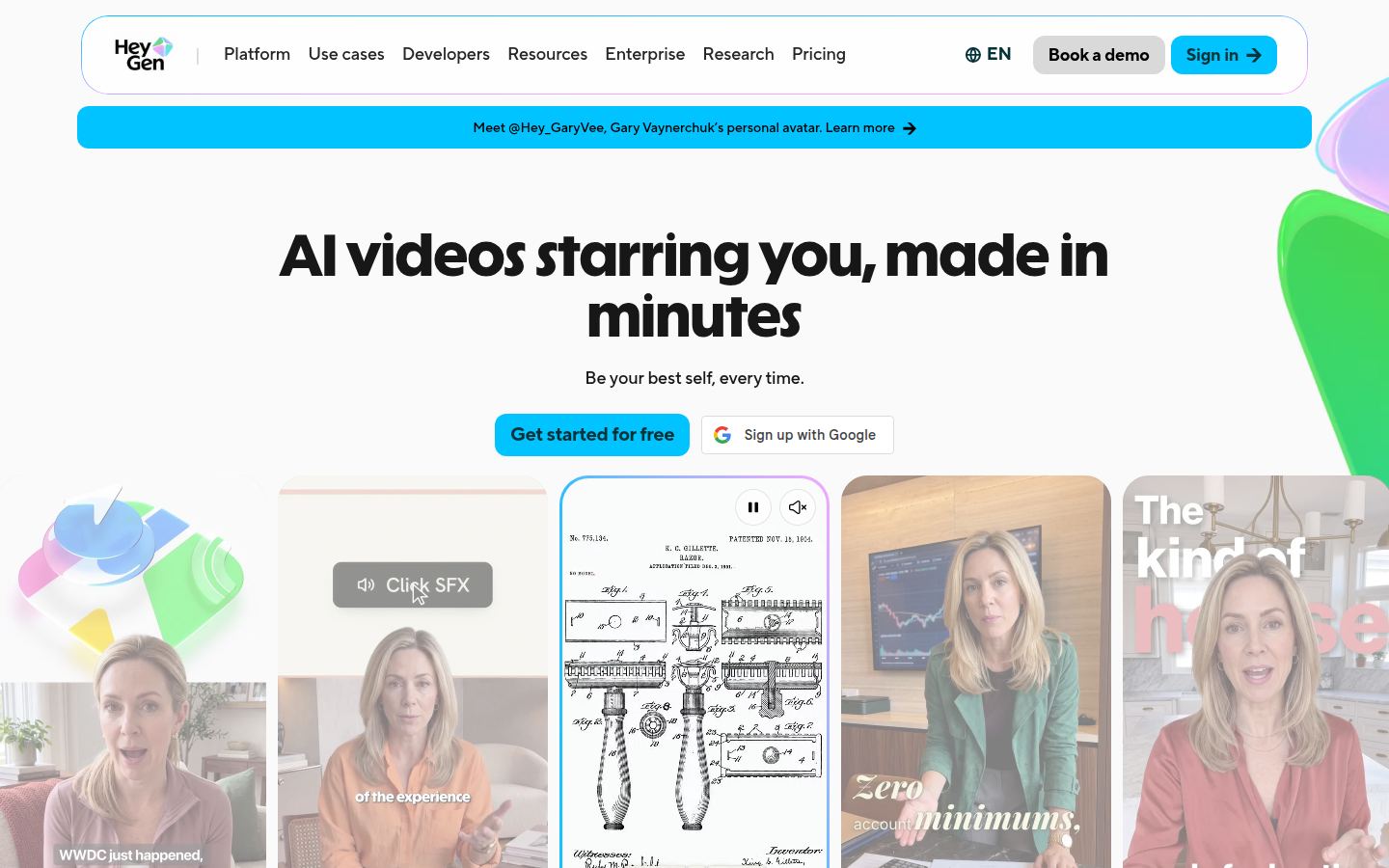
HeyGen offers video comments, draft collaboration, "tag and assign tasks," a team workspace and role controls. The full team feature set sits on Business at $149 a month plus $20 per seat. We rate its approvals as partial because the pages we read didn't show a formal sign-off gate on lower plans.
Best for enterprise governance
Best for enterprise governance
4. Pencil
Governed approvals and role controls on the Pro plan
Specifications
- Approvals
- Governed approvals
- Roles
- RBAC on Pro
- Canvas
- Real-time co-editing, review in context
- Video actors
- None advertised
Reasons to buy
- +Approvals built for large brand teams
- +Review in context on a shared canvas
Reasons to avoid
- −Approvals and roles sit on custom-priced Pro
- −No UGC actors, avatars or lip-sync advertised
Buy it if You're a global brand with formal governance
Don't buy it if You need actor-led UGC video ads
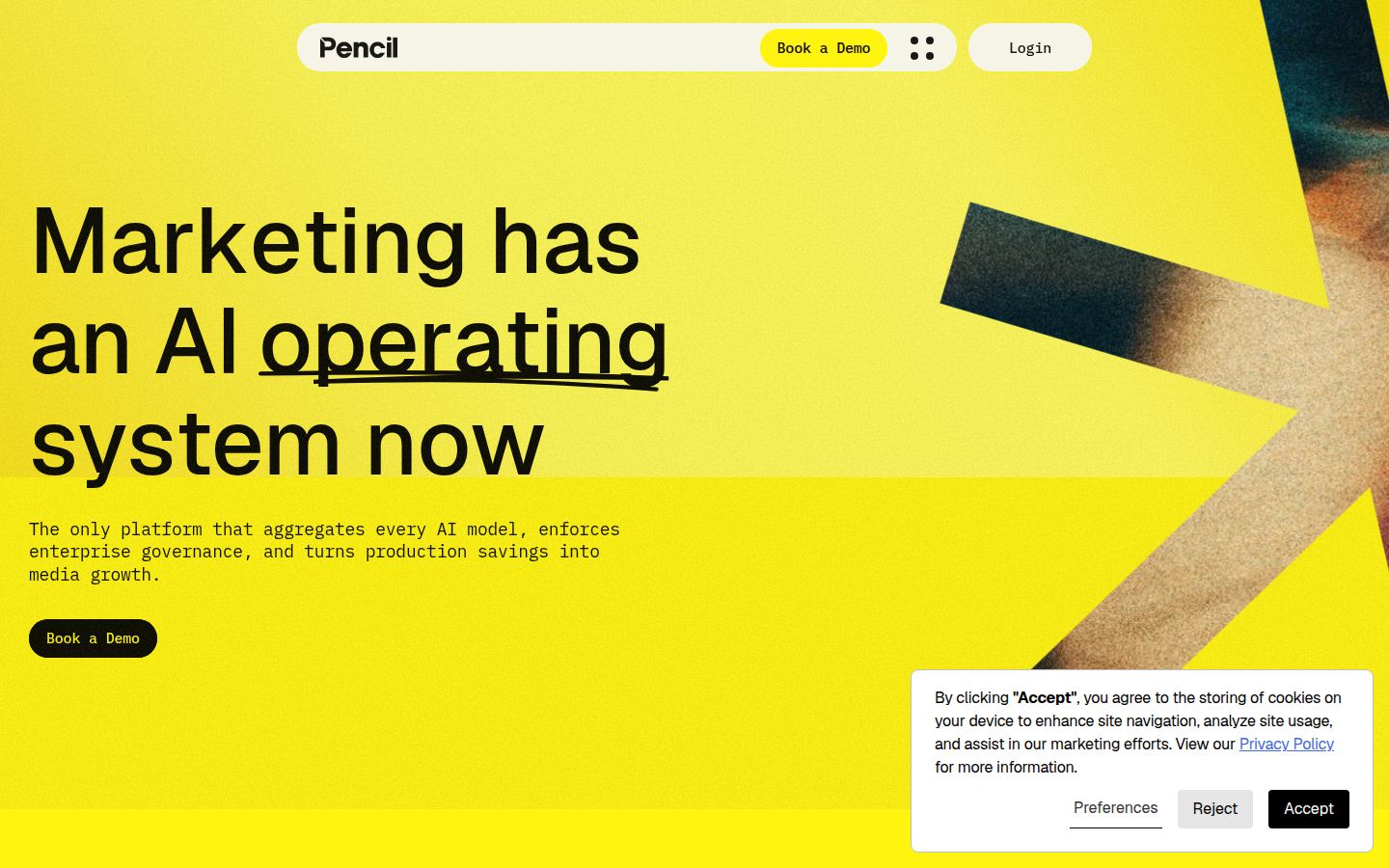
Pencil targets large brand and agency teams with governed approvals, role-based access and review in context on its canvas. Approvals and RBAC are on Pro, which is custom-priced.
Who has approvals, and on which plan
| Tool | Comments | Formal approval | Plan needed |
|---|---|---|---|
| Mantinea | Timecode and image pins | Yes | Every plan |
| Synthesia | Yes | Yes, gate before going live | All tiers comment; live collaboration Enterprise |
| Pencil | Review in context | Governed approvals | Pro (custom) |
| Canva | Yes | Yes | Business and up |
| HeyGen | Yes, plus tasks | Partial | Business for full team features |
| MakeUGC | Not listed | "Brand review and approval workflows" | Enterprise |
| Arcads | Pins | No approval found | n/a |
| Foreplay | Team commenting | No formal approvals | n/a |
| Higgsfield | Canvas co-editing | No approval flow seen | n/a |
| Captions | Not listed | No approval flow found | n/a |
| AdCreative | Not listed | No | n/a |
A few notes on the "no" rows. Arcads has pins on work but no approval step on the pages we read. Foreplay has boards, team commenting and guest share links, but no formal approvals. Higgsfield's Teams plan has a shared credit pool and admin spend control, but we saw no approval or timecode-review flow. Captions and AdCreative.ai showed none either. MakeUGC lists approval workflows only under Enterprise.
Why the seat model matters as much as the feature
Approval involves people, and tools charge for people. A brand might need its product lead, a legal reviewer and a regional manager to sign off. On a per-seat tool, each of them is a monthly line item: three extra seats at $20 is $60 a month on HeyGen Business, and at $29 it's $87 a month on Synthesia. On a tool with unlimited seats, the review chain costs nothing extra.
For more on how reviewer seats get billed, see guest seats, reviewer seats and paid seats and the AI UGC agency checklist.
A simple approval flow to copy
- Producer generates the batch and runs an AI pre-check for hook, pacing and claims.
- Brand lead comments at timecodes: wrong price on screen at 0:07, logo too small at the end card.
- Producer fixes only those sections and requests approval again.
- Legal or compliance approves. In regulated niches such as supplements or finance, this is where claims get checked against the platforms' ad policies, and where testimonial-style ads using AI actors get an honest label.
- Ads go out paused, so a final check happens in the ad account before spend starts.
How we compare these tools
We read each vendor's pricing page, feature pages and help center and date every price. We didn't run these tools for this article. "Partial" means the feature exists with a real limit, and "Not listed" means we didn't find it on the pages we read.