Fixing a 4-second glitch three times in a 30-second AI ad costs 1,350 credits if each fix means a full re-render at 450. On Mantinea, rewriting only the affected section with Edit video costs about 62 credits a time, 186 for all three, and Fix a moment charges nothing if its repair fails its own check. That difference sits behind most complaints about CapCut's AI features. On its Trustpilot page, rated 1.2 across roughly 1,000 reviews on 12 November 2026, one buyer "wasted over 1,000 credits trying to generate just ONE minute of video" and another wrote that "CapCut charges you more credits every time you try to fix mistakes made by its own AI." ByteDance's sister commerce app, Pippit, sits at 1.7 with complaints about expiring monthly credits and shrinking daily allowances.
CapCut stays a strong free timeline for trimming phone footage. For AI-generated UGC ads, the alternatives below are ranked on four protections: a quote before each run, automatic refunds on failed jobs, partial re-renders for small fixes, and rollover for unused credits.
Competitor pricing, credit rules and Trustpilot scores are from vendor pages, help docs and Trustpilot read on 12 November 2026; CapCut's USD figures combine first-party hints with third-party plan summaries. Mantinea prices are from its price list of 24 November 2026. Check current rates before you buy.
Best overall
Best overall
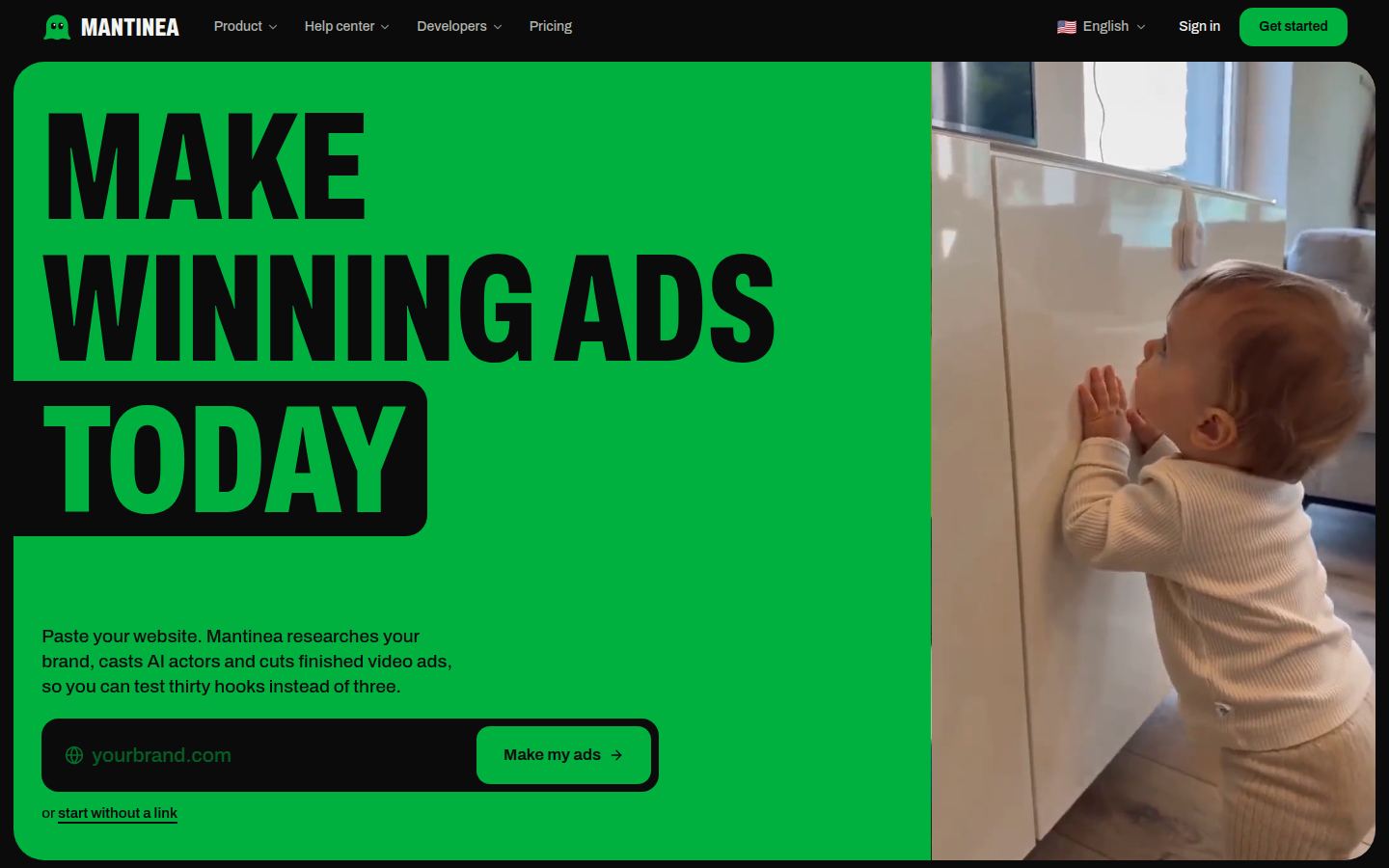
1. Mantinea
A quote before every run, refunds on failures, and fixes billed for the changed seconds only
Specifications
- Entry plan
- $29/month, 2,900 credits
- Quotes
- Every button, plus estimate_only on the API
- Failed jobs
- Refunded automatically
- Rollover
- Monthly, no cap
- Seats
- Unlimited
Reasons to buy
- +The exact credit cost is shown before anything runs
- +Fix a moment charges only if the repair passes its check
- +Edit video rewrites one line without re-rendering the ad
- +A pronunciation dictionary fixes brand names for every voice
Reasons to avoid
- −No manual frame-by-frame timeline editor like CapCut's
- −No free tier after the 14-day trial
Buy it if You want predictable AI UGC costs and cheap targeted fixes
Buy it if You want research, competitor ads and dubbing in the same tool
Don't buy it if You mostly hand-cut phone footage with keyframes and custom audio
Every generate button shows its quote, reserves it and charges only for what ran. Failed or canceled jobs refund themselves. Spending caps can be set daily, weekly or monthly, and agent runs can require confirmation first.
The fix tools are where the savings sit. Edit video charges 2 credits plus the replaced talking-actor seconds. Fix a moment repairs a short glitch and bills only on success. Hook lab swaps an opening at 12 credits a second without touching the body. Standard talking actors and Pro actors (1,100+ licensed real-actor takes) are 15 credits a second, about $4.50 per 30 seconds. Unlimited seats and uncapped rollover are on the $29 plan.
Best for timeline editing
Best for NLE timeline editing
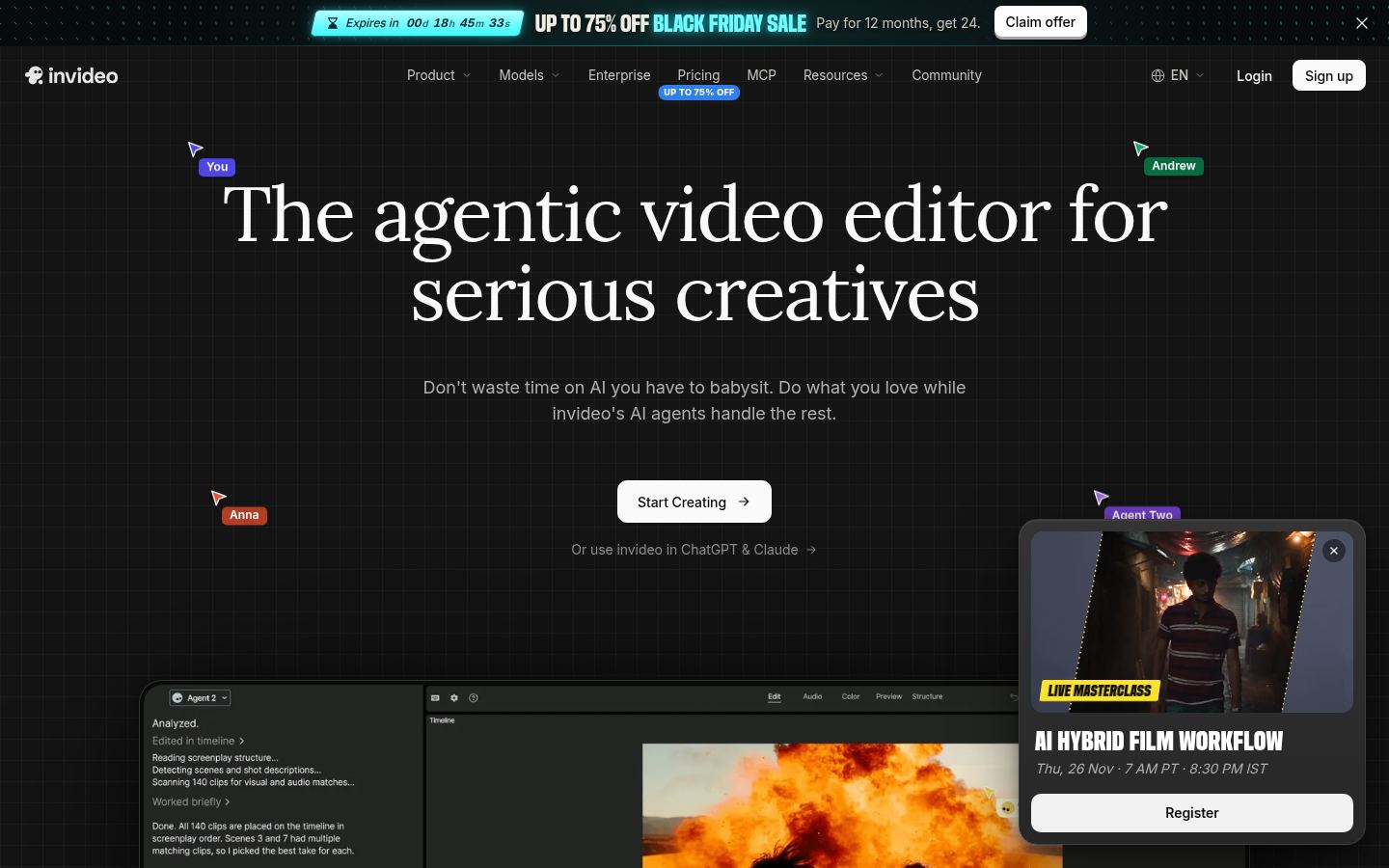
2. invideo AI
A browser timeline with custom AI agents and export to desktop editors
Specifications
- Models
- Seedance 2.5 on Plus and up, Kling 4.0, Veo 3.1
- Timeline
- Multiplayer, with Premiere and Resolve export
- Rollover
- None
- Free plan
- None
Reasons to buy
- +A real multitrack timeline with live collaborators
- +50+ languages and AI twins
Reasons to avoid
- −Reviewers report agent conversations draining credits (Trustpilot 1.8)
- −Unused credits expire monthly
- −Reserves the right to change credit costs without notice
Buy it if You want Premiere-style control in a browser
Don't buy it if You want firm quotes, rollover or automatic refunds
invideo replaces CapCut's timeline well. Its agent is the part to budget carefully. Credit-safe options are covered in the invideo alternatives guide.
Best for mobile self-filming
Best for mobile self-filming
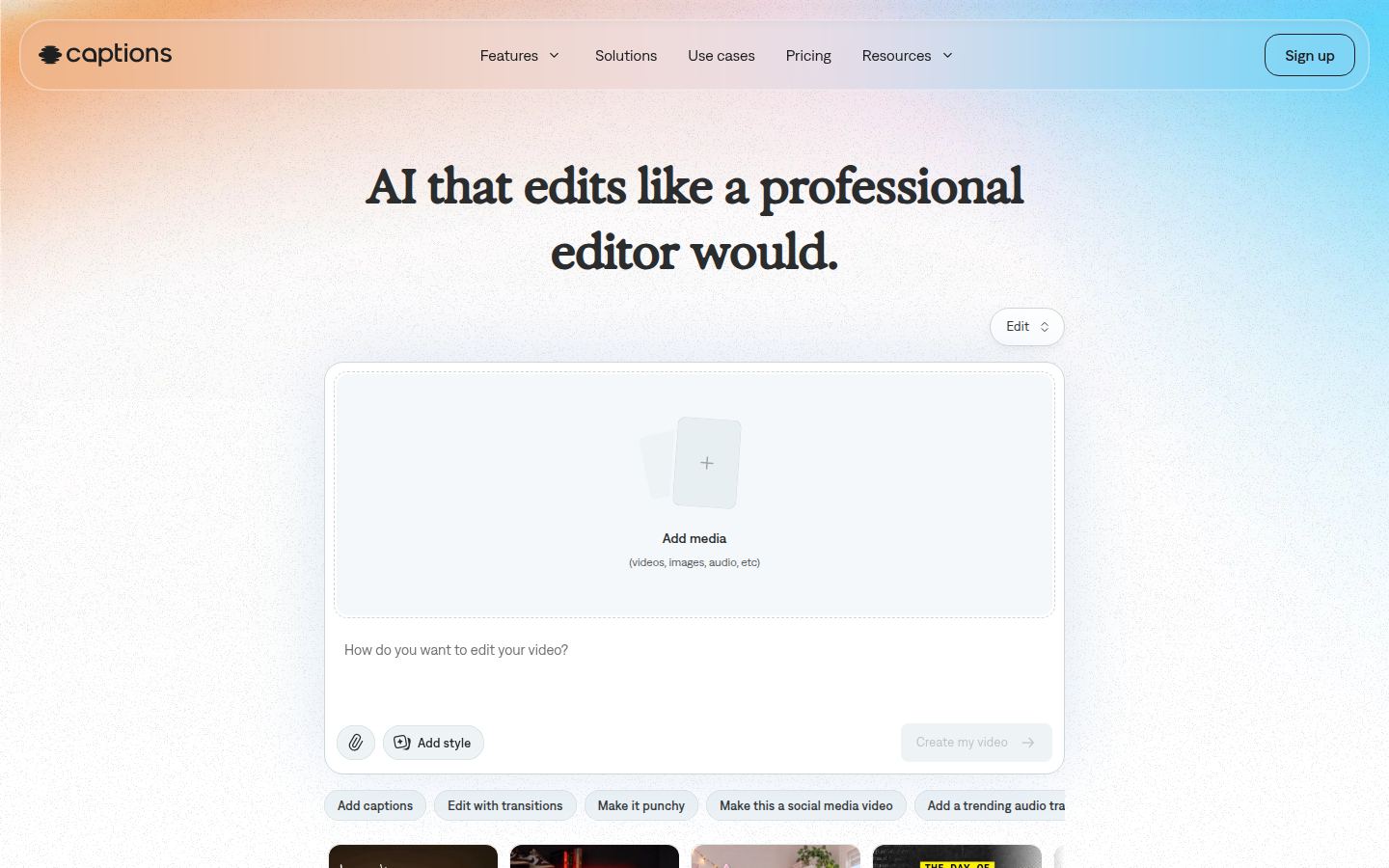
3. Captions
A phone-first editor with eye-contact correction and many caption styles
Specifications
- Apps
- iOS and Android
- AI Ads
- Up to 1 minute
- Rollover
- Up to 3x the monthly allowance
- Refunds
- Reviews describe no-refund friction
Reasons to buy
- +Quick edits on creator-filmed clips
- +Rollover up to three times the plan allowance
Reasons to avoid
- −Prompt-to-video uses Max's 500 credits in about three minutes
- −Reviews mention paying before seeing previews
- −No competitor ad library or variation matrix
Buy it if You film your own TikToks and want fast captions and trims
Don't buy it if You need previews and dependable AI UGC at testing volume
Captions is the closest match to CapCut's mobile ease. For generated UGC, the credit allowance goes quickly.
Best for free manual edits
Best for free manual edits
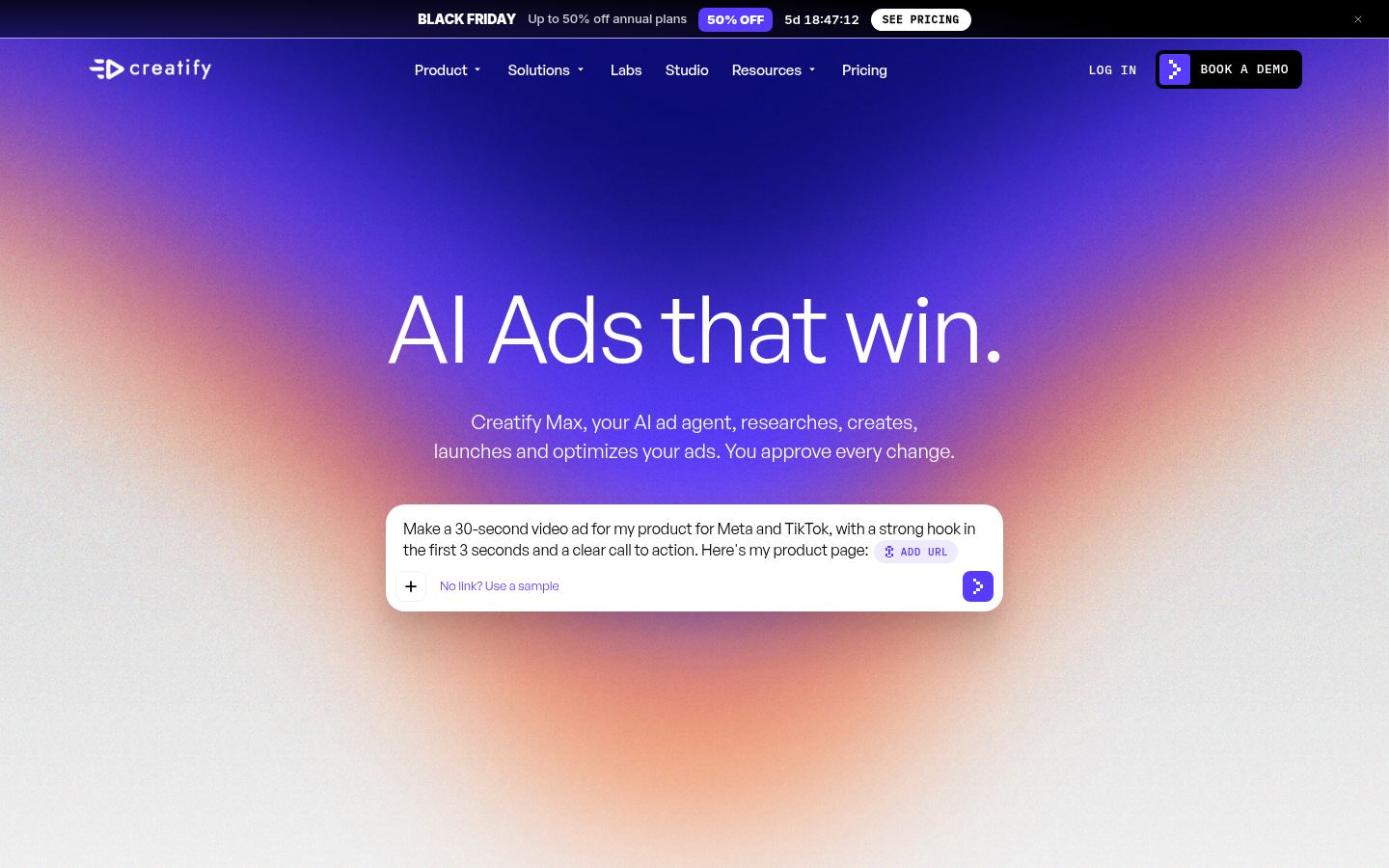
4. Creatify
Avatar ads from URLs, with manual edits in its editor at no extra cost
Specifications
- Manual edits
- Free in the editor
- Rollover
- One extra month
- Refunds
- None
- Seats
- 1 until Ultra at $95
Reasons to buy
- +Trims and caption tweaks in the editor cost no credits
- +A free tier to inspect output before paying
Reasons to avoid
- −Ad Agent chat spends plan credits
- −One seat until the $95 plan
- −No-refund policy on subscriptions
Buy it if You want low-cost avatar ads and don't mind manual cuts
Don't buy it if You need seats, banked rollover or unbilled agent chat
Creatify avoids re-render charges for simple trims, which is a real protection. Agent chat is still metered.
Best for curated UGC remakes
Best for curated UGC remakes
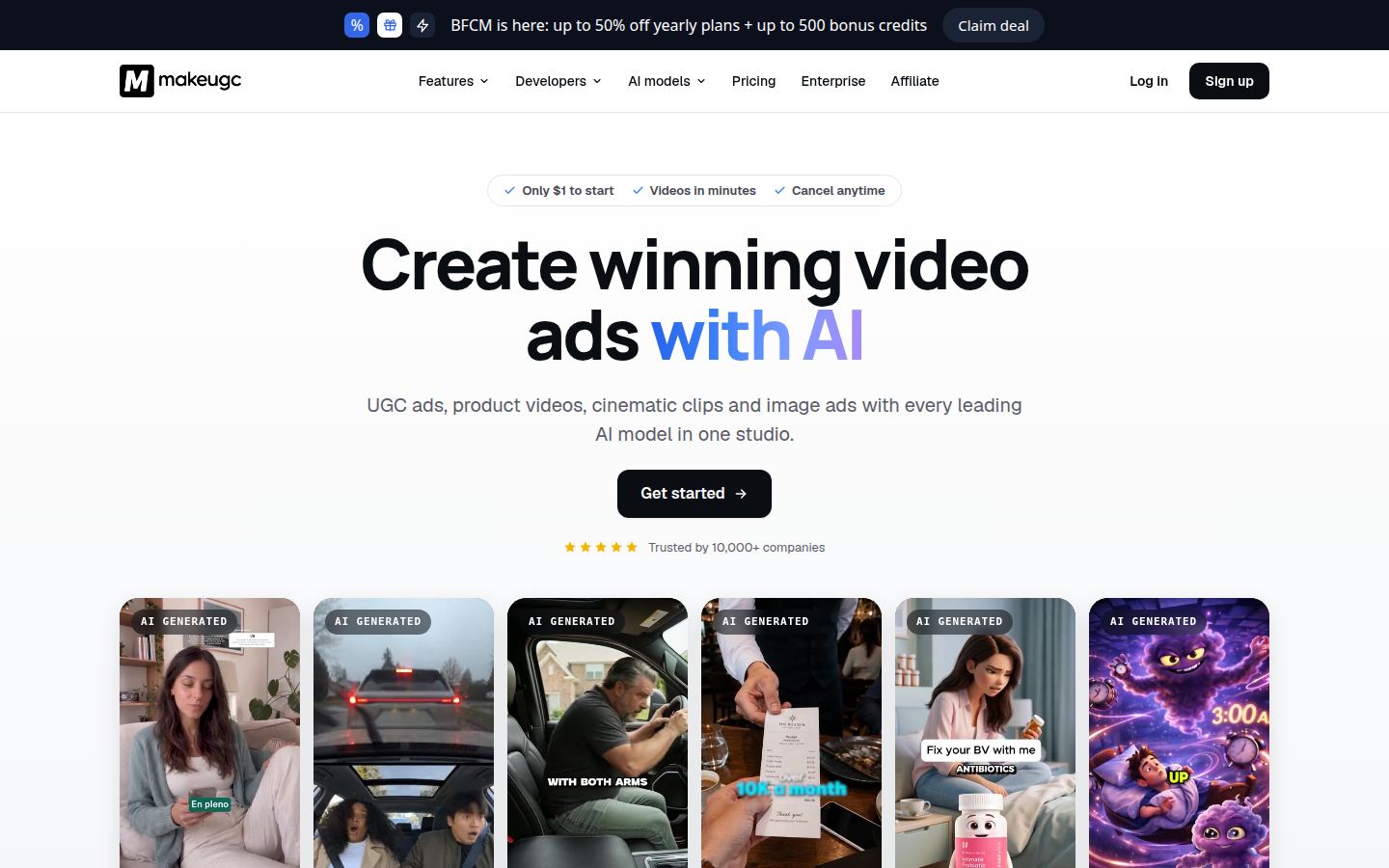
5. MakeUGC
A flat credit rate per talking script, and no re-credits for quality problems
Specifications
- Talking video
- 100 credits flat, up to 1,500 characters
- Rollover
- None
- Refunds
- "All fees paid are final, non-refundable"
- Seats
- 0, 3 or 5
Reasons to buy
- +Predictable cost per talking script
- +Built-in editor with captions and B-roll
Reasons to avoid
- −Completed videos aren't re-credited for lip-sync or quality issues
- −No rollover
- −Starter caps export at 720p with no seats
Buy it if You make longer talking scripts and want one rate per video
Don't buy it if You want protection against bad lip-sync, rollover or a no-card trial
MakeUGC's policy is explicit that a finished video with a lip-sync problem isn't re-credited. Alternatives with better terms are in MakeUGC alternatives with self-serve refunds.
Three fixes on one ad, priced
A 30-second talking-actor ad needs three corrections: a mispronounced product name at 0:06, a wrong claim at 0:14, and a hand glitch at 0:21.
| Approach | Fix 1 | Fix 2 | Fix 3 | Total |
|---|---|---|---|---|
| Full re-render each time | 450 | 450 | 450 | 1,350 credits |
| Mantinea targeted fixes | Pronunciation entry, then Edit video on 4 s: 62 | Edit video on 4 s: 62 | Fix a moment: billed only if it passes | 124 credits plus the glitch fix |
Adding the product name to the pronunciation dictionary first stops the same error from appearing in the next ten ads, which costs less than any of the fixes in the table.
Protections side by side
| Tool | Quote before the run | Failed-job or glitch protection | Rollover | Entry price | Seats on entry plan |
|---|---|---|---|---|---|
| Mantinea | Yes, every button and the API | Automatic refunds; Fix a moment bills only on success | Yes, no cap | $29/month | Unlimited |
| CapCut (baseline) | Model hints on the pricing page | Reviews describe paying to fix AI errors | Monthly credits expire | About $19.99/month (third-party USD) | Per seat on Teams |
| invideo | Deductions vary with agent use | Reviews report no protection on agent burn | No | $20/month | 1 |
| Captions | Mixed; reviews mention pay-before-preview | Reviews mention no refunds | Up to 3x | $24.99/month for AI actors | 2 |
| Creatify | Credits listed; chat spends credits | No refunds | One extra month | $15/month | 1 |
| MakeUGC | Flat 100 credits per talking video | No re-credits for lip-sync or quality | No | $59/month | 0 |
Moving AI work off CapCut
- Stop buying AI credits in CapCut and let the current cycle run out; keep exported B-roll, fonts and sound effects
- Start the 14-day Mantinea trial (1,000 credits, no card), load your site into Brand Brain and add pronunciation entries before the first render
- Make two 30-second ads, check the quote before each click, and try one Edit video fix instead of a full regeneration
- Add Brand finish (free preview) for captions, logo and end card
- Move hook variations and dubs once the new ads match or beat your CapCut versions in Ads Manager
How we compare these tools
We read each vendor's pricing page, help docs and Trustpilot page on 12 November 2026 and date every price. We didn't run hands-on tests. Some links to tools we cover are affiliate links.