A 30-second ad built from Canva's "Create a Video Clip" tool takes four separate 8-second generations, each drawing on a shared monthly Ultra AI allowance of about 20 uses on Pro. That's five ads a month at most, and only if no prompt fails. The same 30-second ad on Mantinea is one talking-actor render at 450 credits, about $4.50, and the $29 Starter plan covers six of them with a consistent presenter.
Canva is very good at static templates, carousels and brand kits, and Canva Grow pushes creatives out quickly. Its video clip tool, powered by Google's Veo-3, has no native UGC actor library, and three unrelated 8-second prompts rarely match on face, voice or lighting. Canva reviewers on Trustpilot also say failed runs come out of the same allowance: one wrote it "made so many mistakes that burned through my allotted 'AI Time'". The tools below are ranked for teams moving video ads out of Canva.
Competitor pricing and features come from vendor pricing pages, docs and Trustpilot summaries read on 12 November 2026. Canva's USD figures come from third-party summaries, since its own page showed JPY. Mantinea prices are from its price list of 24 November 2026. Check current terms before you buy.
Best overall
Best overall
1. Mantinea
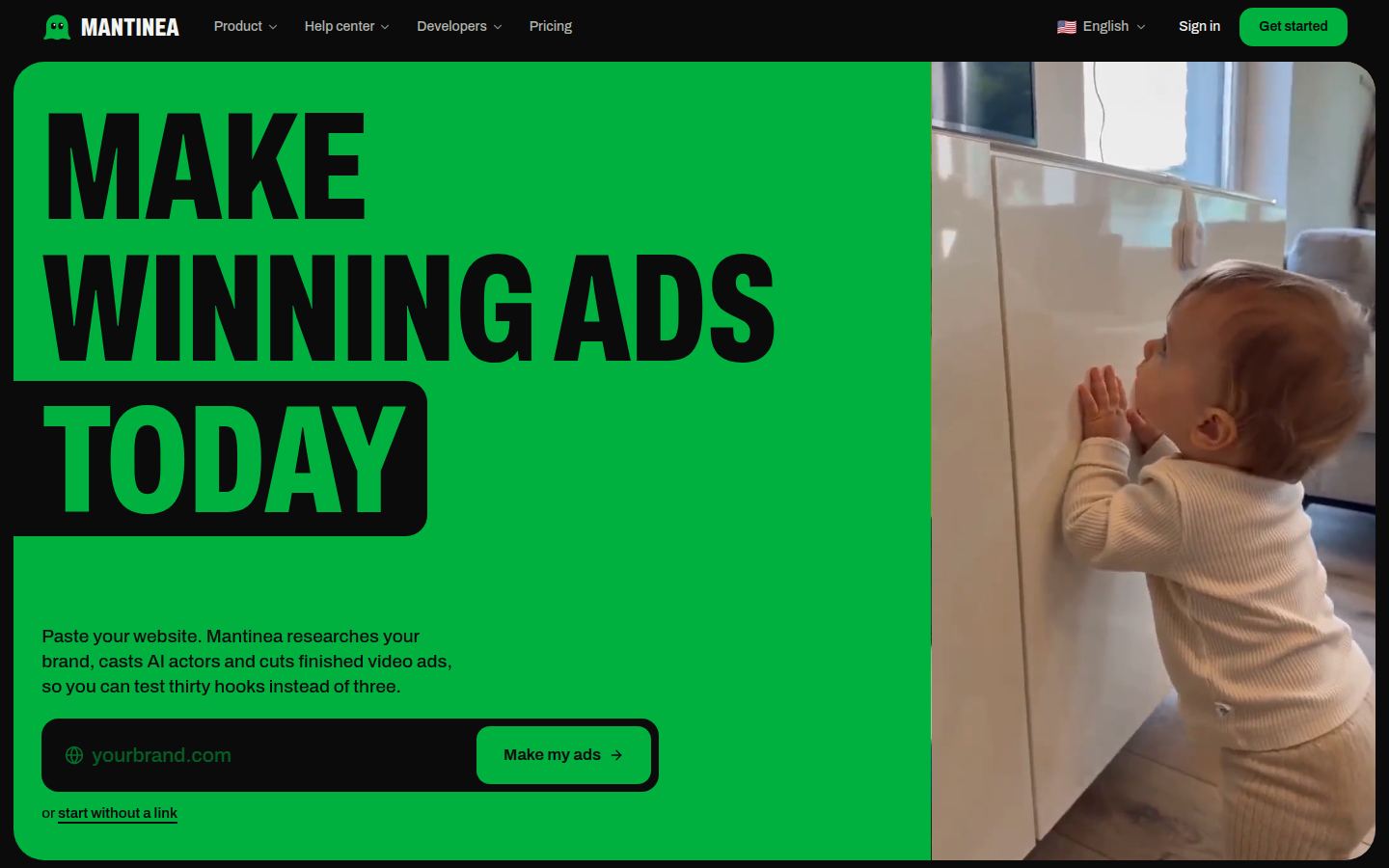
Complete 15 to 45 second talking-actor ads with joined scenes, product presets and dubbing
Specifications
- Entry plan
- $29/month, 2,900 credits
- Script length
- About 90 to 100 s spoken, 300 s with your own audio
- Joins
- AI-bridged for 30 s and 45 s ads
- Actors
- Synthetic, Pro actors, your own
- Seats
- Unlimited
Reasons to buy
- +UGC presets for unboxing POV, product in hand, show your app and fashion try-on
- +Bridged joins keep two- and three-part ads smooth
- +Price shown before every run; failed jobs refunded
- +Brand Brain reads up to 40 site pages and records your app
Reasons to avoid
- −No manual frame-by-frame timeline editor or huge static template library
- −No free tier after the 14-day trial
Buy it if You want full-length talking UGC ads that show your actual product
Buy it if You want to test openings without re-rendering the whole ad
Don't buy it if You only need the odd 8-second decorative clip inside Canva decks
A standard talking actor or Pro actor (licensed footage of real stock actors in real settings) speaks scripts up to about 1,500 spoken characters, or up to 300 seconds with your own audio, at 15 credits a second. Two-Part 30s and Three-Part 45s templates use AI-bridged joins by default.
Around that: Brand Brain, a Variations matrix that prices hooks × actors × formats before running, Hook lab at 12 credits a second for new openings only, captions for 2 credits, Brand finish for captions, logo and end card with a free preview, and resizing to 9:16, 1:1 and 16:9 for 1 credit. Unlimited seats and uncapped rollover come with the $29 plan.
Best for timeline editing
Best for timeline editing
2. invideo AI
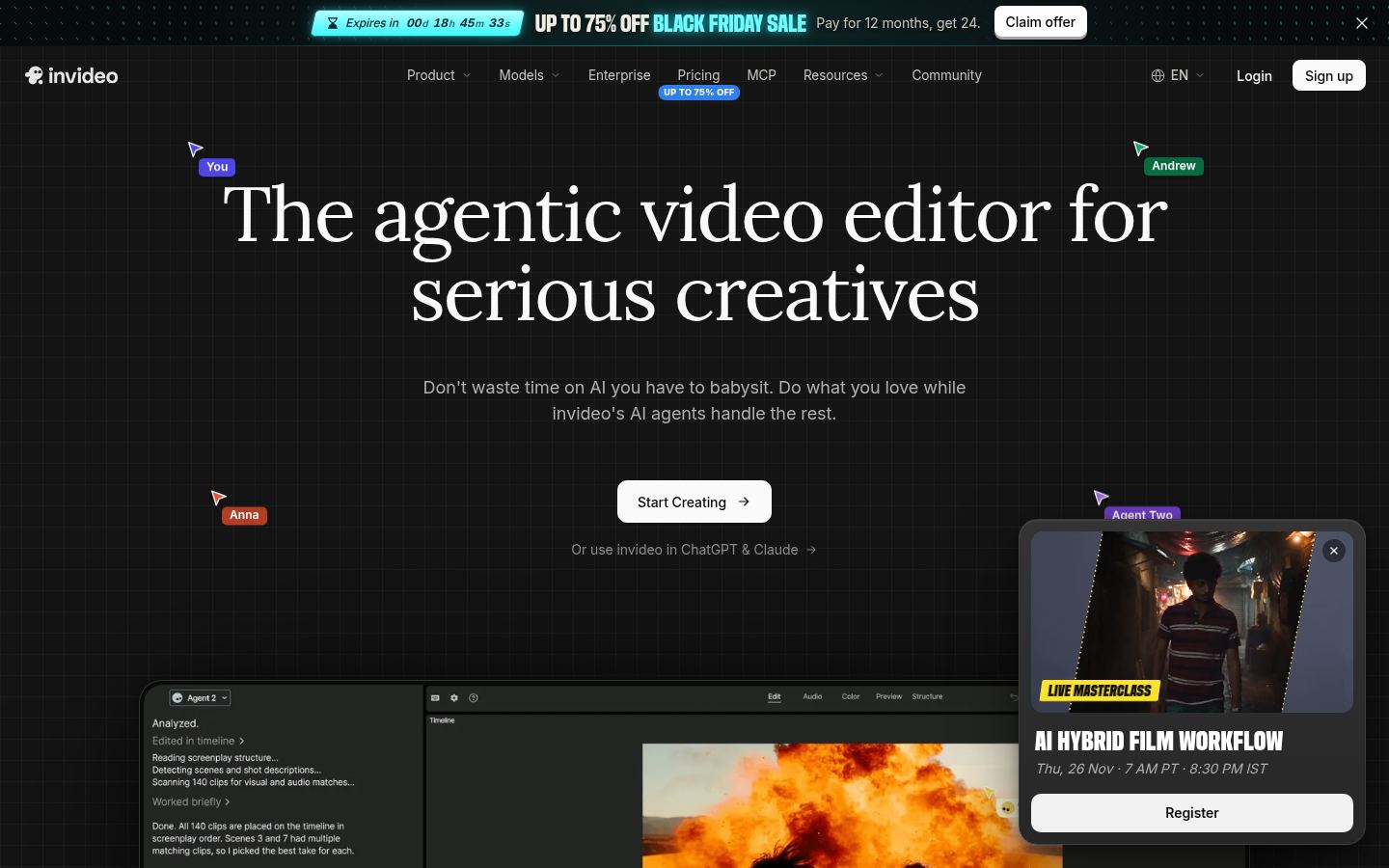
A multiplayer browser timeline with AI agents and project export to desktop editors
Specifications
- Entry plan
- $20/month ($10 on an annual promo)
- Models
- Seedance 2.5 on Plus and up, Kling 4.0, Veo 3.1
- Languages
- 50+
- Rollover
- None
- Free plan
- None
Reasons to buy
- +A real multiplayer timeline with custom agents
- +Avatars, an actor marketplace and Premiere or Resolve round-trips
Reasons to avoid
- −Unused credits don't roll over, and rates can change without notice
- −Trustpilot (1.8 on about 1,000 reviews) cites credit burn from agent memory and planning
- −No competitor ad library
Buy it if You want a Premiere-style browser timeline with agents editing scenes
Don't buy it if You want per-run quotes, rollover and automatic failed-job refunds
invideo gives editors a true timeline. Its reviews focus on credits spent during agent conversations. More in the invideo alternatives breakdown.
Best for solo avatar basics
Best for solo avatar basics
3. Creatify
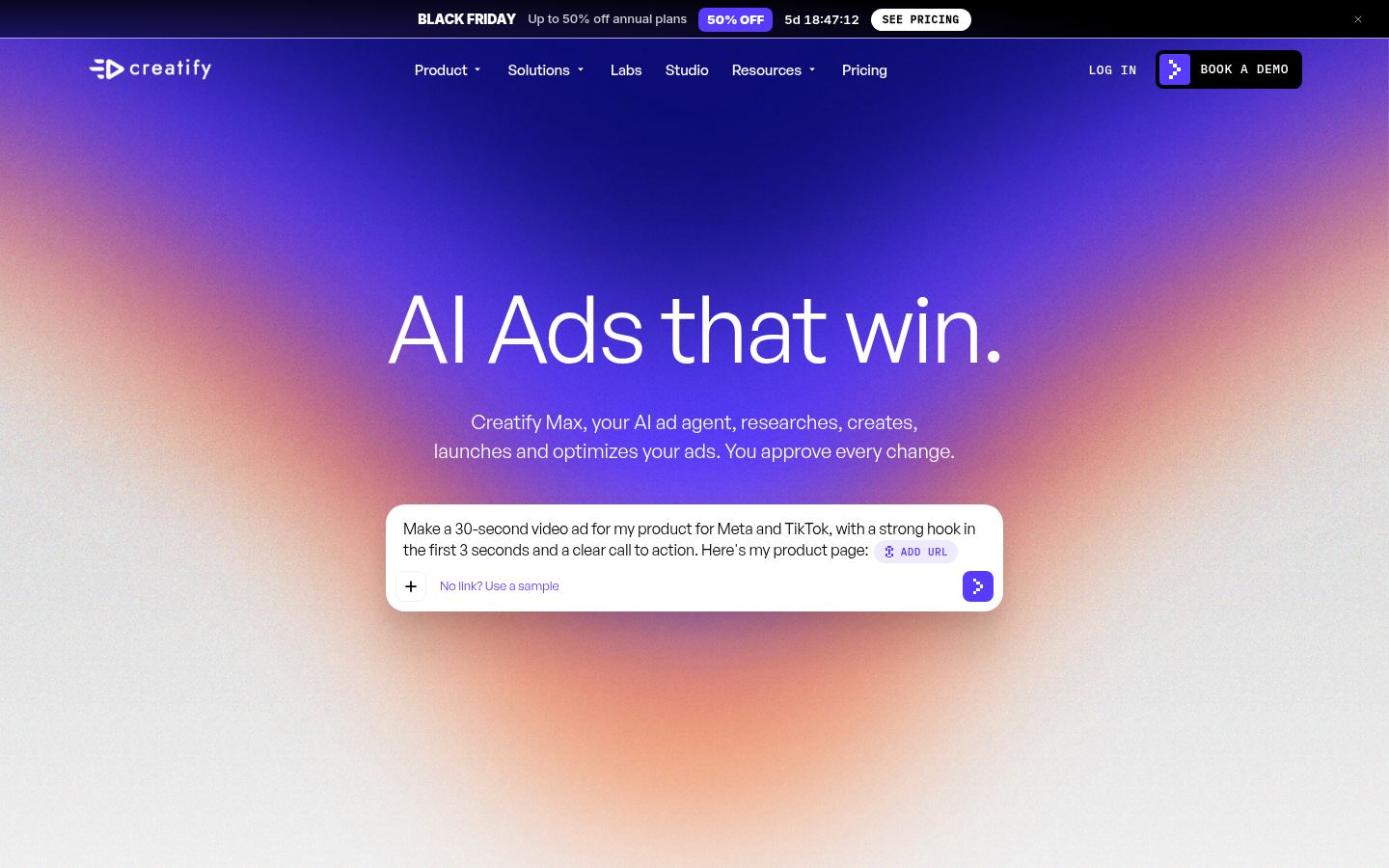
Product URL to talking avatar ad, with a free starter tier
Specifications
- Entry plan
- $15/month
- Free plan
- 10 credits a month
- Languages
- 75+
- Seats
- 1 until Ultra at $95
- Rollover
- One extra month
Reasons to buy
- +Turns a product URL into a full avatar ad
- +A free plan with monthly credits
Reasons to avoid
- −One seat and one brand space below $95
- −Agent chat spends plan credits
- −Credits roll over for one extra month only
Buy it if You're a solo creator replacing 8-second clips with simple talking avatars
Don't buy it if You work in a team or want credits you can bank
Creatify gets you past 8 seconds straight away. Team seats and the full actor library sit on higher plans.
Best for long explainers
Best for long explainers
4. HeyGen
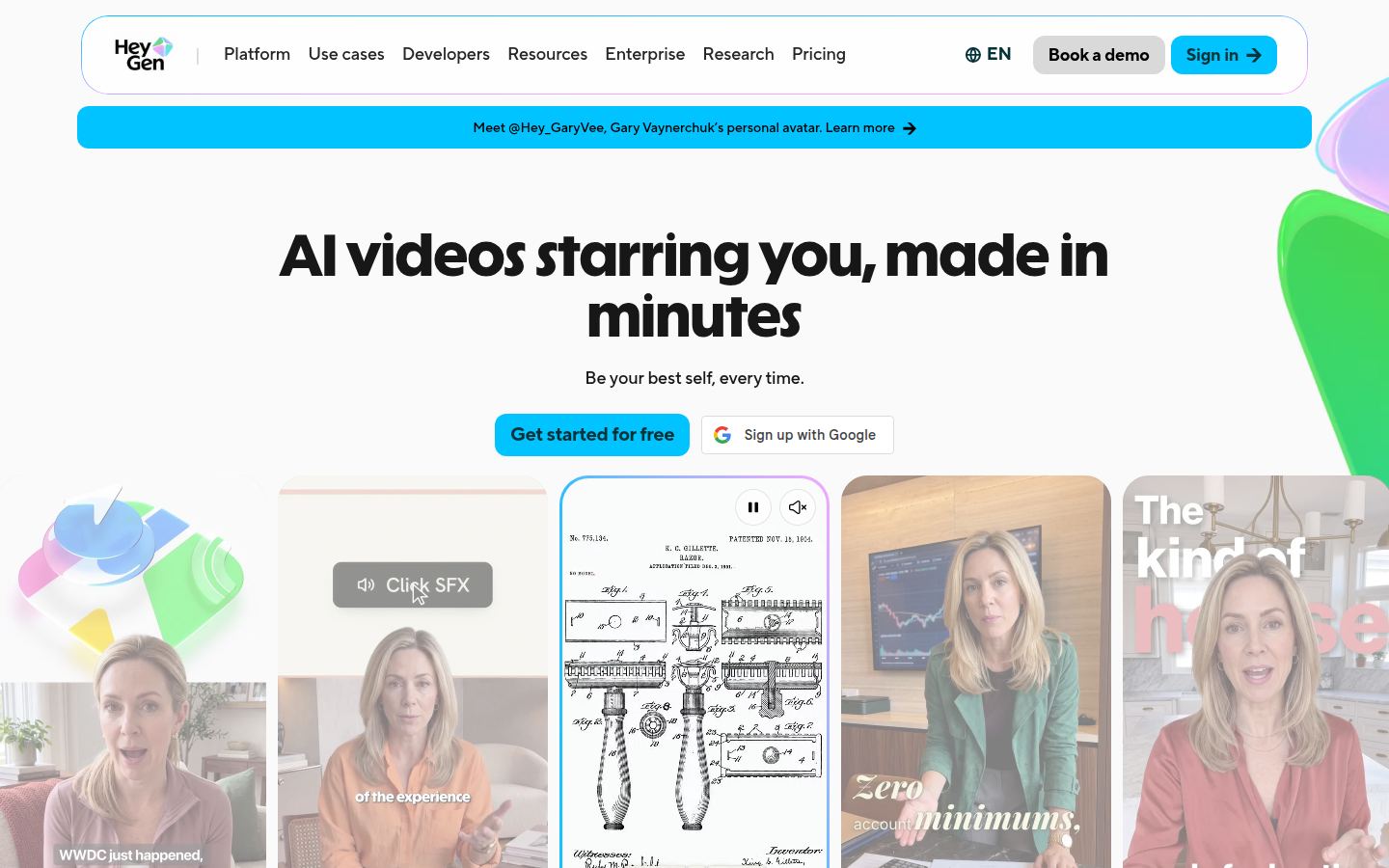
Presenter videos and personal digital twins for long-form content
Specifications
- Entry plan
- $29/month
- Languages
- 175+
- Editor
- Text-based AI Studio
- Seats
- 1 on Creator and Pro
- Top-ups
- Not on Creator
Reasons to buy
- +Consistent personal avatars over long videos
- +Built-in text-based editor
Reasons to avoid
- −Built for explainers rather than UGC ad testing
- −No competitor ad library or hook lab
- −Creator can't buy top-ups
Buy it if You make founder updates, course intros or long sales explainers
Don't buy it if You need quick paid-social hooks, presets and team approvals
HeyGen is solid for talking-head explainers. For ad testing, see HeyGen alternatives built for paid UGC.
Best for mobile editing
Best for mobile editing
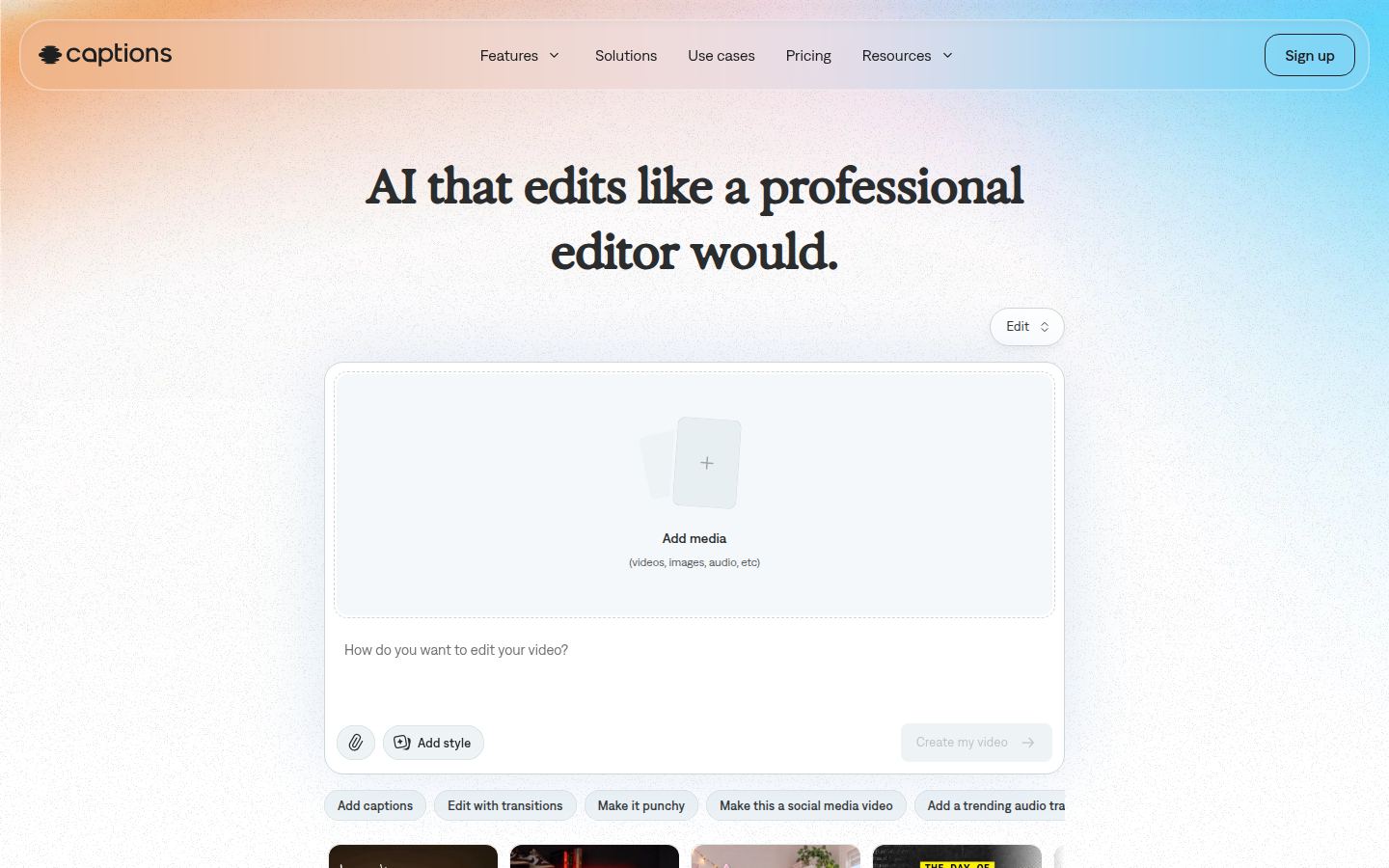
5. Captions
A phone and web editor with one-minute AI ads and many caption styles
Specifications
- AI ad length
- 1 minute, 800-character script
- Avatars
- 200+
- Dubbing
- 30+ languages
- Rollover
- Capped at 3x
Reasons to buy
- +Strong iOS and Android app for your own footage, with eye-contact fix
- +Low entry price for solo creators
Reasons to avoid
- −Prompt-to-video uses Max's 500 credits in about three minutes
- −Reviews mention pay-before-preview and no refunds
- −No competitor library or variation matrix
Buy it if You film yourself on a phone and add the odd AI avatar shot
Don't buy it if You run high-volume desktop ad workflows or need wide dubbing
Captions is pleasant for cutting your own clips on iOS. Its AI ads stop at a minute, and prompt-to-video uses credits fast.
A month of video ads, priced
Four 30-second UGC ads plus a round of alternate openings:
| Line | Canva (Pro) | Mantinea (Starter, $29) |
|---|---|---|
| Four 30 s ads | 16 clip generations, about 16 of ~20 monthly Ultra uses | 4 × 450 = 1,800 credits |
| Presenter consistency across cuts | Not guaranteed between separate prompts | One actor per ad, bridged joins |
| Eight alternate 2 s openings | Not available as a separate step | 8 × 24 = 192 credits |
| Captions, logo and end card on 12 versions | Manual in the editor | Brand finish, 12 × 2 = 24 credits |
| Failed runs | Come out of the allowance | Refunded automatically |
| Left over | About 4 Ultra uses | 884 credits, rolled over |
Side by side
| Tool | Native talking actors | Entry price | Rollover | Seats on entry plan |
|---|---|---|---|---|
| Mantinea | Yes: synthetic, Pro, custom | $29/month | Yes, no cap | Unlimited |
| Canva AI (baseline) | No, third-party apps only | About $12 to $18/month (third-party USD) | No | Per person on Business |
| invideo | Yes | $20/month | No | 1 |
| Creatify | Yes | Free, or $15/month | One extra month | 1 |
| HeyGen | Yes | Free, or $29/month | One month | 1 |
| Captions | Yes, on the $24.99 Max plan | $24.99/month for actors | Capped at 3x | 2 on Max |
Keeping Canva for design
You don't need to cancel Canva to fix video. Keep it for statics, logos and decks, and move the ads.
- Export your Canva Brand Kit: PNG or SVG logo variants, end-card frames, font names and hex codes
- Start Mantinea's 14-day trial at app.mantinea.com/signup (1,000 credits, no card), add your site so Brand Brain reads up to 40 pages, and upload the logo for Brand finish
- Rebuild one 30-second ad with a Pro or synthetic actor (450 credits) or a Product in hand preset (about 166), then resize for 1 credit each
- Move Canva to its cheapest static tier if you still need banners, and run talking-actor campaigns where credits roll over
How we compare these tools
We read each vendor's pricing page, feature docs and Trustpilot summaries on 12 November 2026 and date every price. We didn't run hands-on tests. Some links to tools we cover are affiliate links.