On Mantinea, complete brand research costs 130 credits, or $1.30, and you pay it once per brand: a crawl of up to 40 pages of your site, a recorded walk through your app using a demo login, and a brand analysis. Most tools give you a brand kit (logo, colors, fonts) for free, but a kit can't tell the tool what you sell, which feature each buyer cares about, or how the product looks while someone uses it. Without that knowledge you get the familiar AI ad where an actor raves about a product the viewer never sees.
Below are five tools, sorted from the most thorough research to the thinnest. Switching tools means redoing this setup, so it helps to know what each one builds. Competitor features and prices are from vendor pages, docs and help centers we read on 12 November 2026; Mantinea's prices are from its 24 November 2026 price list. Check them before buying.
Best overall
Best overall
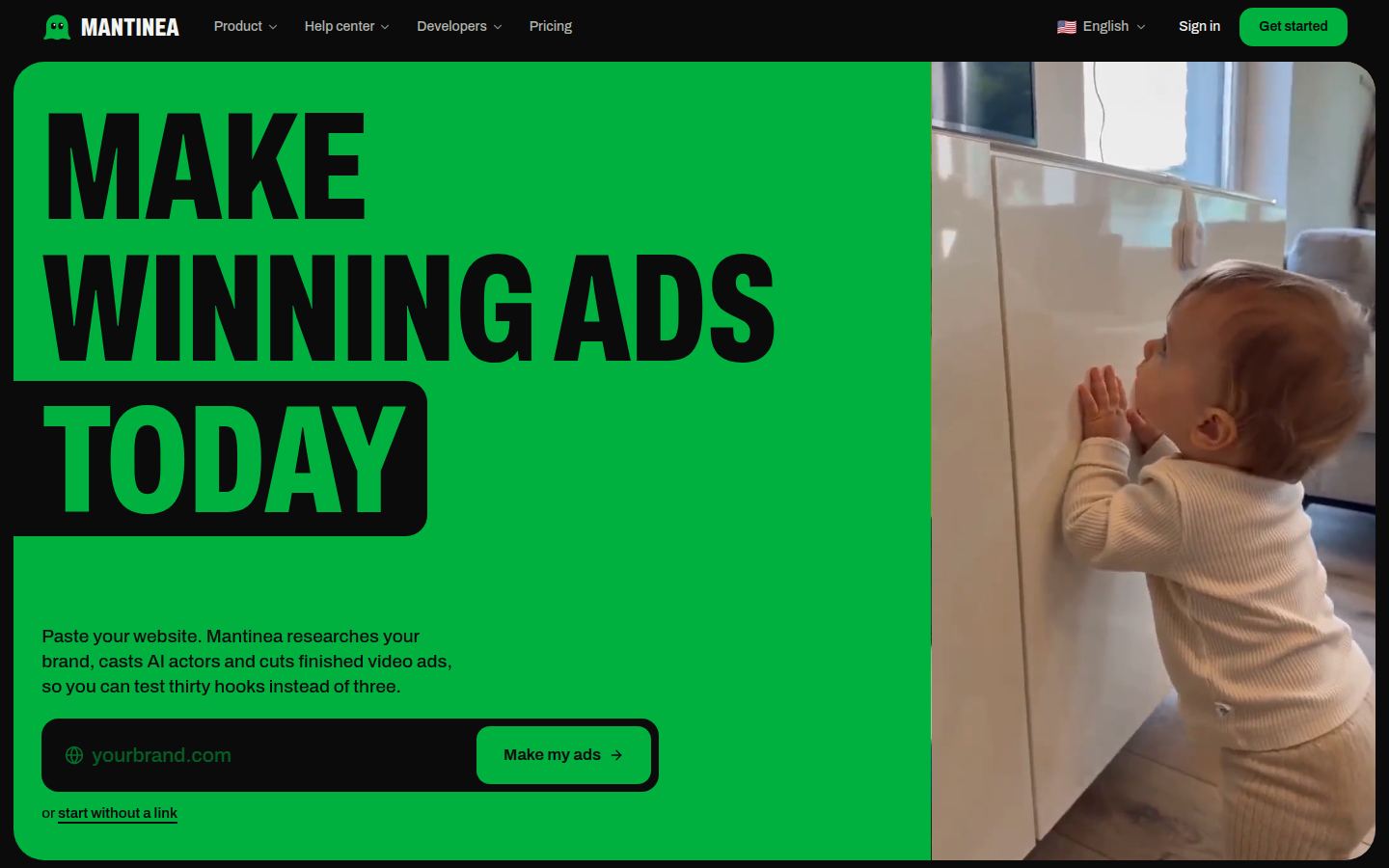
1. Mantinea
Reads 40 pages of your site and records your app, then reuses that research in every ad
Specifications
- Plans start at
- $29/month
- Crawl of your site
- Up to 40 pages for 80 credits
- Adding app capture
- 100 credits with a demo login
- Brand analysis
- 30 credits
- Team
- Unlimited seats
Reasons to buy
- +Actors are backed by footage of your real app flows and close-up product shots
- +Brand Brain remembers your audience, tone, products, competitors and recurring characters
- +Your first competitor ad pull during brand setup costs nothing
- +You can export the brand kit as design tokens
Reasons to avoid
- −There's no manual frame-by-frame timeline editor
- −Its brand is younger than most on this list
Buy it if You want scripts that pair each feature with the right audience
Buy it if Your product has features worth showing, above all an app or SaaS
Don't buy it if All you need is your logo and colors on a talking-head video
Think of Brand Brain as a research file rather than a kit. Its crawl converts as many as 40 pages into a catalog of features with close-up product shots. For software products you can add a demo login, which is stored encrypted and write-only; Mantinea uses it to sign in, explore and capture real flows as screenshots and clips. When the script mentions your dashboard, the ad shows your real dashboard.
The Brain also holds your competitors, your tone along with sample phrasings, audience demographics, creator preferences and any recurring characters. If the agent picks up something new, it suggests an edit, and you accept or decline it.
You still get a kit on top. You can build a brand from a URL, export it as design tokens and generate logo variants. Brand finish adds exact captions, a corner logo and an end card for 2 credits per started minute, and the preview is free.
Best for agent-led brand memory
Best for agent-led brand memory
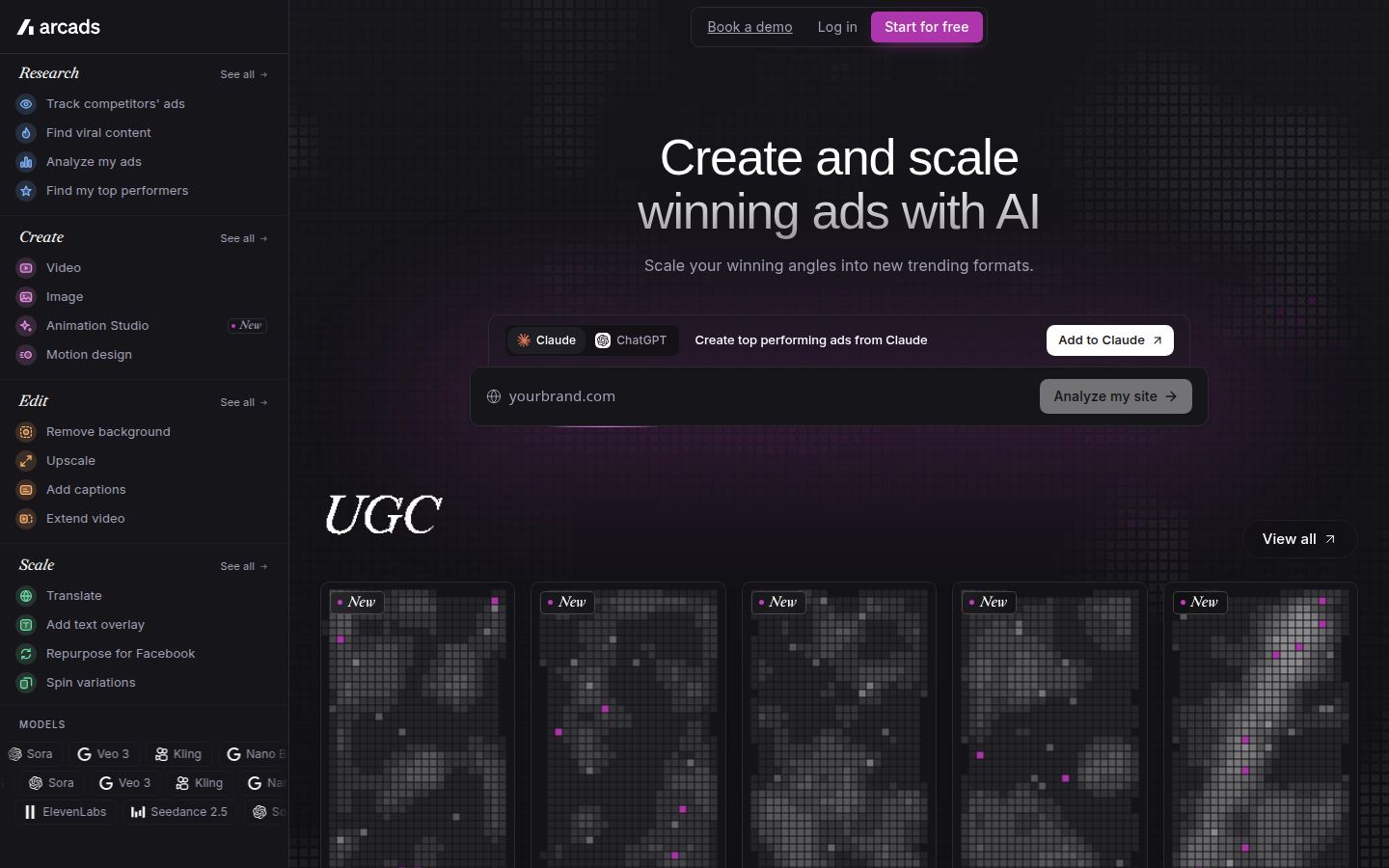
2. Arcads
Mark, its agent, reads your site and fills a Brain panel
Specifications
- Plans start at
- $110/month
- Trial
- 72 hours with a card, then converts to $110
- Brand research
- Your website, read into a Brain panel
- App footage
- The "Show your app" tool, 200 credits
- Seats
- From Pro at $550
Reasons to buy
- +Syncs competitor ads from the Meta Ad Library
- +Its agent learns your brand by reading your website
Reasons to avoid
- −You only get app footage through the "Show your app" tool
- −Mark's chat is billed by token, on top of generations
- −Seats, the API and rollover start at $550
Buy it if You already produce ads through an agent chat
Don't buy it if Several teammates need access on a starter budget
Arcads goes further than a kit does. Watch the chat cost: each turn with Mark is billed by token, and a Trustpilot reviewer said the agent regenerated an ad "without asking" and used up about 3,000 credits.
Best for URL-to-video
Best for URL-to-video
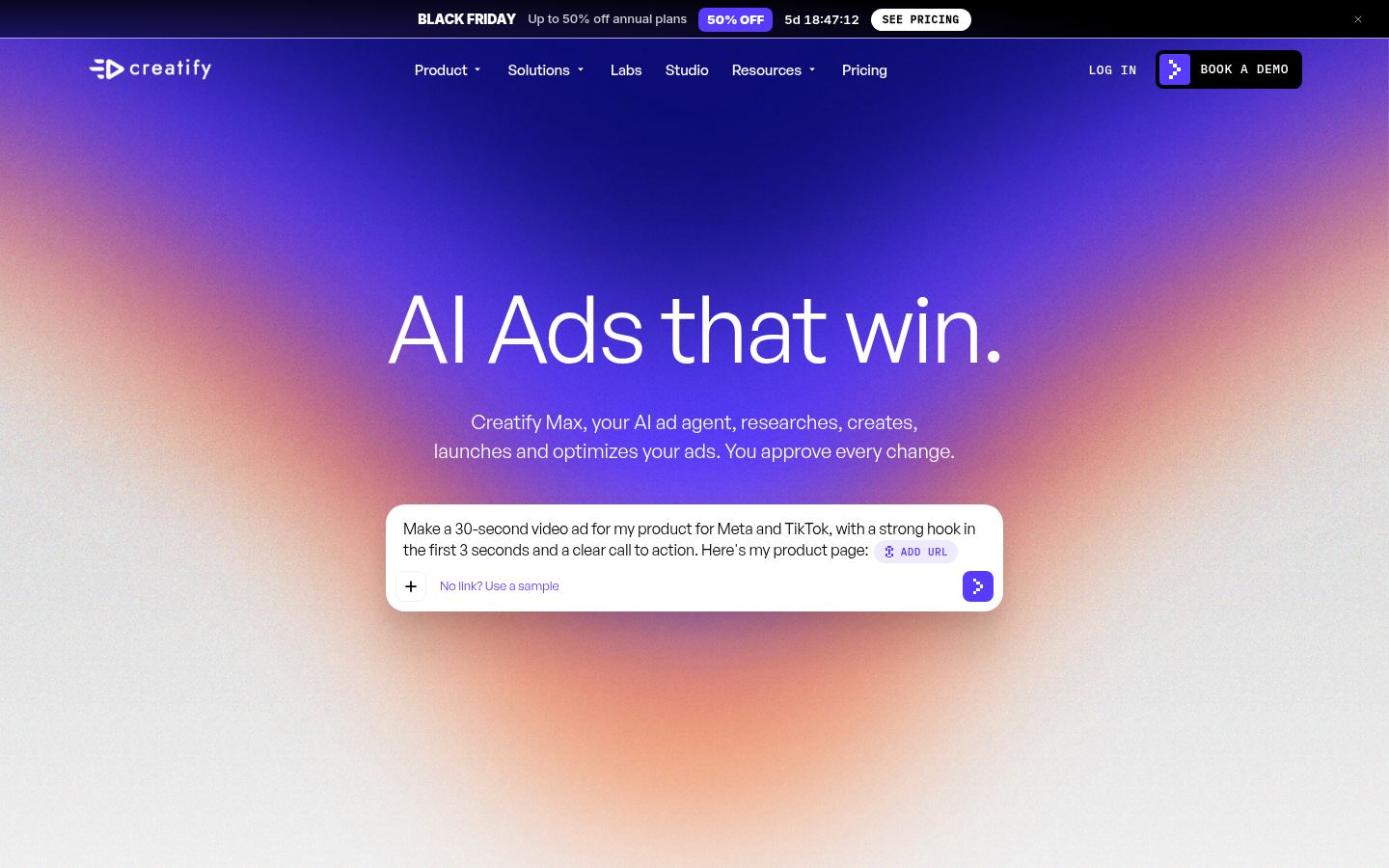
3. Creatify
Turns a product link into a video and applies your logo, colors and fonts
Specifications
- Plans start at
- $15/month
- Free tier
- 10 watermarked credits a month
- Brand research
- URL to Video and a brand kit
- Seats
- One on Standard and on Pro
Reasons to buy
- +Holds your logo, colors and fonts in a brand kit
- +Fast route from a product page to a video
Reasons to avoid
- −The API costs extra, a $99 to $299 subscription
- −It researches each video from scratch and stores no catalog
- −Chatting with the agent uses plan credits
Buy it if Your videos are one-offs made from product pages
Don't buy it if You want the tool to remember your audience and product range
Creatify reads the product page again every time. Each new ad begins from a link, with nothing carried over from earlier work.
Best for static ads from a URL
Best for static ads from a URL
4. Higgsfield
Ads Studio imports products, prices and images from your store to build static ads
Specifications
- Plans start at
- $9/month billed yearly
- Brand research
- URL import into Ads Studio
- Products per batch
- Up to 10
- Credit rollover
- None
- Team plan
- $79 a seat
Reasons to buy
- +Looks into what sells in your category
- +Imports products, prices and images along with colors
Reasons to avoid
- −The pricing page shows no clear free trial
- −Credits don't roll over
- −Ads Studio only makes static ads
Buy it if You want a batch of static product ads built from your store
Don't buy it if You need talking-actor videos based on the research
Higgsfield's Ads Studio comes closest to a site read among the rest, and it reuses the kit from batch to batch. What you get out is images with CTAs and headlines.
Best brand kit for avatar video
Best brand kit for avatar video
5. HeyGen
The Video Agent applies a Brand Kit and a glossary
Specifications
- Plans start at
- $29/month
- Brand research
- Brand Kit and Brand glossary
- Crawl of your site
- None found
- Seats
- One on Creator and on Pro
Reasons to buy
- +The glossary keeps brand terms intact in translations
- +Video Agent uses your brand colors and typography
Reasons to avoid
- −A single seat until Business, at $149 plus $20 per seat
- −We found no site crawl or product catalog
Buy it if Your avatar videos need consistent styling
Don't buy it if You want the tool to research your competitors and your product
HeyGen advertises "Your Brand, Automatically Applied." A recent Trustpilot reviewer wrote that it "doesn't use my font or my brand kit information", so try it with your own brand on the free plan first.
What setup costs for each brand
On Mantinea, setup reads 40 pages, captures your app and runs a brand analysis for 130 credits ($1.30), or 110 if you skip the app. Arcads reads your website into Mark's Brain, which is billed by token in chat, and "Show your app" adds 200 credits. Creatify reads one product URL per video; no price is listed, and you repeat it for every video. Higgsfield reads a store URL for Ads Studio, and HeyGen works from the kit you upload; neither lists a cost.
If an agency brings four clients onto Mantinea, research costs 520 credits, or $5.20, and every script it writes for them afterwards builds on that.
What each tool remembers
| Tool | Competitor ads | Records your app | Kept for future ads | What it reads |
|---|---|---|---|---|
| Mantinea | A library you can remix from | Yes | Yes, in Brand Brain | As many as 40 pages, plus your app via demo login |
| Arcads | Synced from the Meta Ad Library | Partly, via "Show your app" | Yes | Your website, into Mark's Brain |
| Creatify | A tracker for 3 to 10 competitors, Pro and up | No | Only the brand kit | One product URL per video |
| Higgsfield | Through MCP presets | No | The kit, across batches | A store URL, for Ads Studio |
| HeyGen | None found | No | Kit and glossary | The Brand Kit you upload |
Moving a brand over
A research-based tool adds one setup step and earns it back on every ad that follows. Come with your logo files and fonts, a demo login for the app, the three competitors you track, and two or three lines in your own voice so the tone section has real examples to start from. Before the first render, read what the Brain wrote and decline anything it got wrong. For the complete migration checklist, see switching from HeyGen to Mantinea; for a broader feature comparison, see Mantinea vs 18 AI ad tools.
How we compare these tools
On 12 November 2026 we read every vendor's feature pages, pricing page, docs and help center, along with public review pages where we say so, and we date each price. We ran no hands-on tests. When we write "None found," it means the feature didn't appear on the pages we read.